The technology behind adult AI video generation has moved faster than almost anyone expected. Two years ago, generating a short realistic video from a text prompt felt distant. Today, platforms are doing exactly that, and the results are getting harder to distinguish from real footage. If you've been curious about how this actually works, what to look for in a platform, and where to try it right now, this article has everything you need.
What an AI Video Generator for Adults Actually Does
Most people assume these tools work like video editing software. They don't. An AI video generator 18+ doesn't stitch together pre-recorded clips or animate a library of assets. It generates video frames from scratch using neural networks trained on massive datasets. Every frame is synthesized, not assembled.
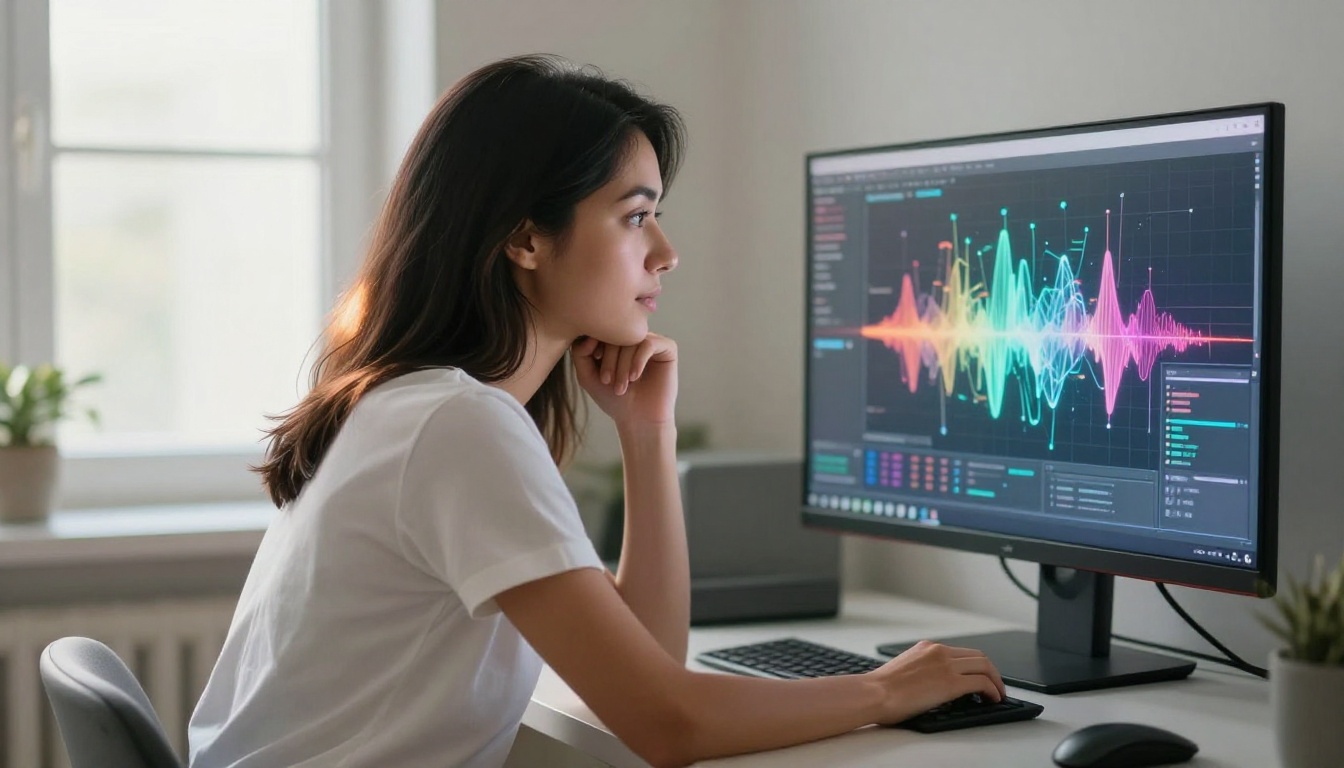
The result is synthetic media: visuals that look real because the AI has learned what "real" looks like at the pixel level. For adult content specifically, this means users can generate scenes involving their chosen AI companions without any real person being involved. Private Crush has built its entire platform around this capability, integrating text chat, image generation, and video output into one seamless experience.
Text to Video vs Image to Video
There are two main input modes used by today's adult AI video tools:
- Text to video: You write a prompt describing a scene, a setting, a mood, and the model generates motion around that description. This gives maximum creative control but requires more precise prompting.
- Image to video: You provide a static image (like a photo of your AI companion) and the model animates it, adding natural motion, breathing, eye movement, and subtle expressions.
| Mode | Input Required | Creative Control | Realism Level | Best For |
|---|
| Text to Video | Written prompt | Very High | Moderate to High | New scenes, custom scenarios |
| Image to Video | Source image | Moderate | Very High | Animating existing characters |
| Hybrid | Prompt + image | Maximum | Highest | Full customization |
💡 Image-to-video consistently produces more realistic results because the model has a concrete visual reference to anchor the motion to.
How the Model Builds Motion from Nothing
The underlying process is called latent diffusion. The model starts with random visual noise and progressively refines it over dozens of steps, guided by your prompt, until coherent frames emerge. For video, this happens across a sequence of frames simultaneously, with additional constraints to ensure motion flows smoothly between them.
Think of it like developing a photograph in a darkroom, except the photograph didn't exist before you started, and the process runs 24 frames per second.
What Makes AI Video Actually Look Real
Not all AI video generators are equal. The gap between a believable result and an obviously artificial one comes down to a handful of technical factors.

Resolution and Output Quality
Resolution matters less than you'd expect. A 720p video with consistent lighting and stable motion looks more convincing than a 4K video with flickering or warped faces. What to look for:
- Temporal consistency: Do faces and objects stay stable between frames, or do they drift?
- Skin texture rendering: Natural imperfections (pores, subtle texture variation) look more real than artificially smooth skin.
- Lighting coherence: Does the light source stay consistent throughout the clip?
Motion Fluidity and Natural Physics
The hardest problem in AI video generation is natural motion. Hair, fabric, and water are notoriously difficult because they follow complex physical rules. The best models handle these gracefully. Lower-quality models produce a telltale morphing effect where surfaces seem to bleed into each other between frames.
⚠️ Watch out for models that generate beautiful still frames but produce stuttering or unnatural motion. Frame quality and motion quality are separate technical challenges, and a model can excel at one while failing the other.
The Diffusion Process, Simplified
Knowing the basic mechanics helps you write better prompts and get better results from any platform.
Here's what happens when you submit a prompt to an AI video generator:
- Encoding: Your text prompt is converted into a numerical representation the model can process.
- Noise initialization: The model starts with a field of random visual noise in latent space, a compressed representation of visual information.
- Iterative denoising: Over 20 to 50 steps, the model removes noise in a direction guided by your prompt, gradually revealing coherent structure.
- Decoding: The latent representation is decoded back into actual pixel values.
- Temporal alignment: For video, the process runs across all frames simultaneously with constraints ensuring smooth frame-to-frame consistency.
Prompting for Better Results
The quality of your output depends heavily on how you construct your prompt. These are the patterns that consistently produce better results:
| Prompt Element | Weak Example | Strong Example |
|---|
| Subject | "a woman" | "a woman with dark curly hair, warm olive skin, wearing a red dress" |
| Setting | "a bedroom" | "softly lit modern bedroom, warm lamp light, evening atmosphere" |
| Action | "moving" | "turning slowly to look at the camera, gentle relaxed head movement" |
| Visual style | "realistic" | "photorealistic, 35mm film, natural lighting, cinematic depth of field" |
| Mood | "romantic" | "intimate, direct eye contact, slight smile, relaxed shoulders" |
💡 Treat your prompt like directions for a cinematographer. Camera angle, lighting direction, subject action, and emotional tone all belong in the prompt. The more specific you are, the more control you have over the result.
The market has fragmented quickly. There are general-purpose AI video tools that allow adult content by bypassing filters, and there are platforms built specifically for adult AI content from the ground up. The second category delivers significantly better results for this use case.
Why Purpose-Built Platforms Win
General AI tools impose content filters that clip quality at the edges. When a model is trained to refuse certain content categories, it also gets worse at adjacent content. Platforms built specifically for NSFW AI generation train their models without these constraints, producing noticeably better results in the adult space.
Private Crush is one of the strongest examples of this approach. The platform offers a fully integrated suite: AI companions you can chat with, NSFW image generation, and a dedicated NSFW Video Generator for animating your companion or generating custom scenes from scratch.
Platform Comparison
| Platform | Video Generation | AI Companions | Uncensored | Privacy | Pricing |
|---|
| Private Crush | Yes (image to video + text to video) | 120+ characters | Fully uncensored | Encrypted | Free + Premium |
| General AI tools | Limited, filtered | No | Filtered | Varies | Varies |
| Other NSFW platforms | Some | Limited | Partial | Varies | Usually paid only |
✅ Use a platform where video generation and your AI companion exist in the same ecosystem. Switching between separate apps breaks the experience and quality suffers when you source images from one tool and animate them in another.
Generating Your First AI Video on Private Crush
This is the most direct path from zero to a working result. Private Crush handles the full workflow in one place, from character selection through video output.

Setting Up Your Account
- Visit Private Crush and create a free account. No credit card required for the free tier.
- Browse the characters gallery to find your AI companion. There are 120+ options spanning realistic, anime, cosplay, and fantasy styles.
- Select a character and start a conversation. The memory system stores your interactions, so the relationship builds and deepens over time.
- Once you've chosen your companion, navigate to the NSFW Image Generator to generate high-quality still images first.
- Use those generated images as input for the NSFW Video Generator to animate your companion.
Choosing the Right Character for Video
Different character styles produce different video output quality:
- Realistic style (like Valentina Ramirez or Mia Rodriguez): Best for photorealistic video output. The model maintains consistency more easily with lifelike character designs.
- Anime style (like Yuki Tanaka or Hana Kim): Stylized characters produce smoother motion because the simplified visual style is easier to animate consistently across frames.
- Mixed or cosplay styles (like Aria Chen or Sakura Nakamura): Offer expressive personality with a visually consistent identity that holds up well through animation.
Using the Video Generator Step by Step
- Open the NSFW Video Generator from your account dashboard.
- Upload your generated companion image as the visual source reference.
- Write a motion prompt describing what happens in the scene. Keep it focused: one action, one setting, one mood.
- Select clip duration. Typically 2 to 6 seconds produces the best quality output.
- Generate and review. If the motion isn't what you wanted, adjust the prompt specificity and retry.
- Download or save directly within the platform.
💡 Shorter clips of 2 to 3 seconds almost always look better than longer ones. Generate several short clips and sequence them mentally for a richer overall experience.
The most compelling applications go well beyond simple content generation.
Virtual Companion Experiences
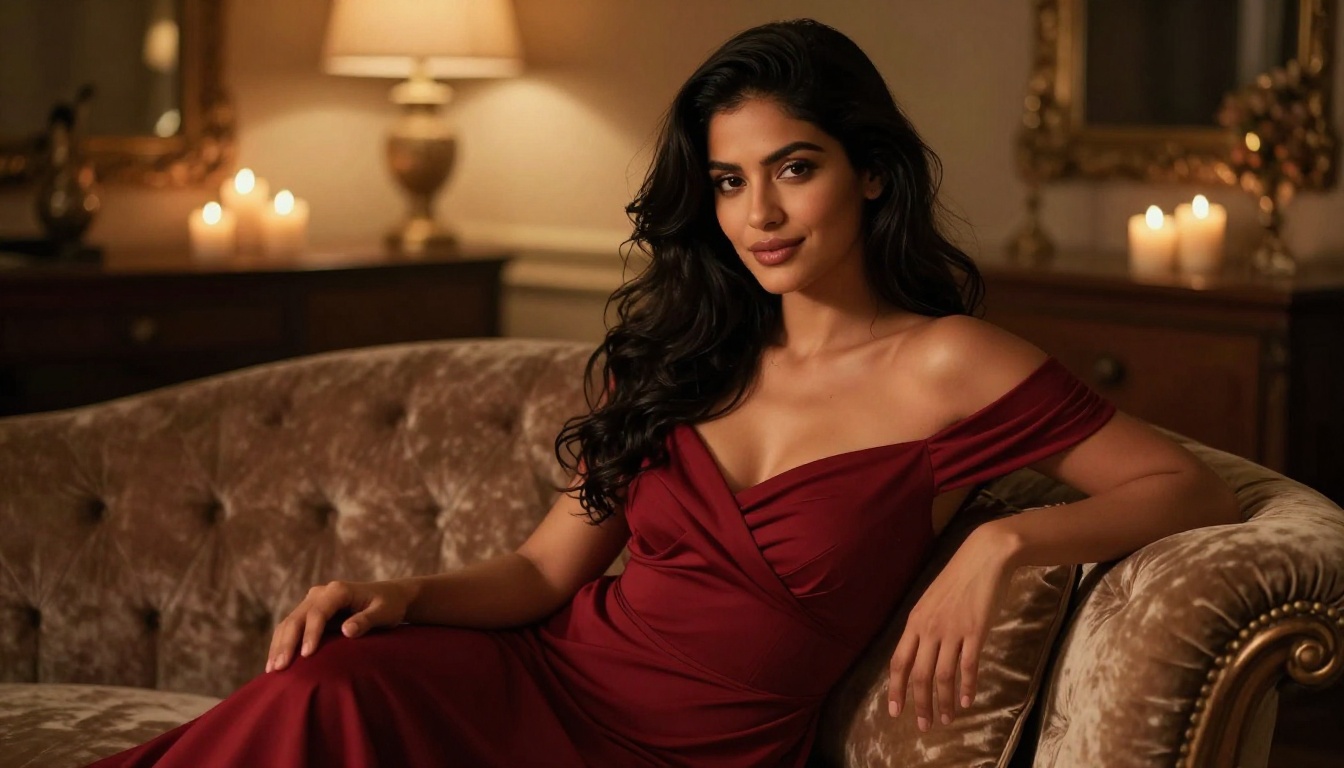
The AI Video Call Companion feature on Private Crush combines conversational AI with video to create something closer to an actual video call experience. Your companion responds, moves, and reacts in real time. This isn't just content generation. It's an interactive relationship experience with continuity and personality.
People use this for:
- Companionship: Consistent, available, non-judgmental interaction at any hour of the day.
- Roleplay scenarios: Characters can take on specific personas, backstories, and relationship dynamics via AI Roleplay Chat.
- Creative exploration: Testing relationship dynamics and conversation styles in a private, safe space with no real-world consequences.
Custom Fantasy Scenarios
Roleplay chat combined with video generation opens up scenarios that aren't possible with real people. Users describe a specific scenario in the chat, build the scene through conversation, then generate visual content that matches what they've created together with their companion.
This is where the memory system becomes genuinely valuable. When your companion remembers past conversations, scenarios have continuity. You're not starting from scratch every session. The relationship accumulates context, inside references, and personality quirks that make each interaction richer than the last.

Who Uses These Tools
The user base is more varied than people assume:
- Single adults seeking companionship without the complexity of real-world relationships.
- Couples who use AI companions to explore fantasies separately or together.
- People in long-distance relationships who use video call and chat features as a supplement to real connection.
- Creators and writers who use AI companion interaction for character development and creative inspiration.
- Anyone curious about where AI relationships are going and what they feel like in practice.
Free vs Premium: The Real Breakdown
Knowing what each tier actually delivers before committing saves frustration. Here's the honest comparison:
| Feature | Free Tier | Premium |
|---|
| AI companion chat | Limited messages per day | Unlimited |
| Image generation | Limited per day | Unlimited NSFW images |
| Video generation | Very limited | Unlimited NSFW video |
| Multiple companions | 1 companion | Multiple on one account |
| Memory system | Basic | Full persistent memory |
| Voice messages | No | Yes |
| Video calls | No | Yes |
| Content filters | Partial | None |
| Priority generation speed | No | Yes, faster queue |
The free tier is enough to test the platform and build a feel for your companion's personality. For serious use of the video generation tools, premium is the right choice. Check the pricing plans to compare what's included at each level.
✅ Start free, build a relationship with a character you genuinely connect with, then upgrade when you're ready for unlimited video generation access.
Privacy and Safety: What You Need to Know
Adult AI video generation raises legitimate questions about privacy and data handling. Here's what actually matters when choosing a platform.
What "Private" Really Means
Private Crush encrypts user data and does not associate account activity with real-world identities. Generated content stays within your account. There are no social features that make your activity visible to other users.
This matters because the adult AI space has had real privacy issues. Some platforms collect and potentially expose interaction data in ways users don't expect. A purpose-built platform with clear privacy policies and data encryption is meaningfully different from a general tool with a "disable safety filters" toggle.
Current Limitations Worth Knowing
Being clear about what the technology cannot yet do saves frustration:
- AI video is currently limited to short clips, usually under 10 seconds at high quality output.
- Extremely complex scenes with multiple subjects and dynamic movement produce inconsistent results.
- Real-time video generation is still more constrained than pre-rendered clips.
These limitations are shrinking with every new model generation. What feels constrained today likely won't in six months. The pace of improvement in this space is genuinely fast.
⚠️ All platforms in this space, including Private Crush, are strictly for adults 18 and over. Age verification is standard practice across the industry.
Start Here
The best way to understand what AI video generation for adults actually feels like is to try it directly. Browse 120+ AI characters on Private Crush, find a companion that resonates with you, and work through the video generation workflow yourself.
Create your free account and start without any commitment. When you're ready for unlimited image and video generation, compare pricing plans to find the right fit. The technology is real, the results are genuinely impressive on the right platforms, and Private Crush is one of the best places to see what adult AI video generation can actually do.


