Creating custom AI adult art used to require professional tools, technical knowledge, and hours of trial and error. Today, with the right prompt structure and the right platform, anyone can produce stunning, photorealistic NSFW images in under a minute. The secret isn't complexity. It's knowing exactly what to include, in what order, and why each element matters.
Whether you want to generate a specific type of companion, a particular mood, a fantasy setting, or a hyper-realistic portrait, the prompt is everything. On platforms like Private Crush, the NSFW Image Generator responds directly to what you write, which means a well-crafted prompt delivers dramatically better results than a vague one.
This article breaks down exactly how to write those prompts, what elements to include, which mistakes to avoid, and how to get results that look genuinely photographic rather than synthetic.
What AI Adult Art Actually Is
AI-generated adult art refers to photorealistic or stylized NSFW images created by feeding descriptive text prompts into a trained generative model. The model interprets your words and produces an image based on patterns learned from millions of photographs and artworks.
The key distinction from traditional content is creative control. You don't browse a catalog. You describe exactly what you want, from physical features to lighting, setting, mood, and composition, and the AI renders it.
Why Prompts Matter More Than Anything Else
Think of a prompt as a set of instructions to a world-class photographer. The more precise your brief, the closer the result to your vision. A vague prompt like "hot girl" gives the AI almost nothing to work with. A detailed prompt describing her appearance, the lighting, the setting, her expression, and the camera angle gives it everything.
The AI doesn't assume. It generates from what you provide. Missing details get filled randomly, which is why results feel inconsistent when prompts are underdeveloped.
💡 Pro Tip: The best prompts for adult AI art follow a consistent structure: Subject + Appearance + Setting + Lighting + Camera Details + Style Modifiers.
The Anatomy of a High-Quality Prompt
Every strong prompt has the same basic building blocks. Once you know each one, writing effective prompts becomes fast and almost automatic.
Subject and Physical Description
Start with who or what is in the image. Be specific about:
- Ethnicity or heritage (e.g., "Japanese woman", "Latina woman", "mixed African-European features")
- Age range (e.g., "woman in her mid-twenties", "young woman in her early thirties")
- Hair (color, length, texture, style)
- Body type (graceful, athletic, curvy, petite)
- Clothing (be specific about fabric, color, fit, style)
- Expression (confident, playful, relaxed, intensely focused)
- Eye contact (looking directly into the camera vs. looking away)
Setting and Environment
The environment anchors the image emotionally. A beach setting feels different from a studio, which feels different from a luxury bedroom.
- Describe the location specifically ("sun-drenched Maldivian beach at sunset", not "beach")
- Include props or furniture that make the scene real ("plush cream velvet chaise lounge", "marble bathroom counter")
- Mention time of day ("golden hour", "early morning light", "late afternoon sun")
- Add background detail to control bokeh ("blurred white curtains", "city lights out of focus")
Lighting Conditions
Lighting is where most amateur prompts fall flat. Professional photographers obsess over light because it defines everything: mood, texture, dimension, and drama.
Phrases that work well:
- "Volumetric golden morning light from the left"
- "Soft diffused window light casting gentle shadows"
- "Rembrandt lighting with dramatic side shadows"
- "Rim lighting from behind creating a warm halo effect"
- "Overhead softbox with natural fill from the right"
⚠️ Avoid: "Good lighting", "nice lighting", or "bright light". These give the AI no directional or quality information.
Camera and Lens Specifics
Specifying camera settings gives the AI the visual language it needs to match a real photographic output.
| Camera Element | Example Phrases | Effect on Image |
|---|
| Lens focal length | "85mm f/1.4", "135mm f/1.8" | Controls depth of field and compression |
| Aperture | "f/1.2", "f/2.8" | Wider aperture = more bokeh background blur |
| Camera model | "Canon EOS R5", "Sony A7R IV" | Influences sharpness and color science |
| Shot distance | "close-up", "medium shot", "full body" | Frames the subject |
| Camera angle | "low angle", "aerial view", "eye level" | Changes emotional dynamic entirely |
Style Modifiers
End your prompt with quality and style signals that push the output toward photorealism:
- "RAW 8K photography"
- "photorealistic"
- "Kodak Portra 400 film grain"
- "natural skin texture with visible pores"
- "shallow depth of field"
- "professional photography"
- "--ar 16:9 --style raw"
✅ Best Practice: Always close with these modifiers even if everything else is vague. They dramatically increase photorealism and consistency.
Prompt Templates That Actually Work
Below are ready-to-use templates organized by scenario. Each one follows the correct structural format and produces consistently high-quality results.
Realistic Portrait Prompts
Template:
[Heritage] woman in her [age range], [expression] directly into the camera, wearing [clothing], [hair description], [skin detail]. [Lighting description] from [direction]. Shot with [camera] [lens] at [time of day], [background description], [style modifiers].
Example:
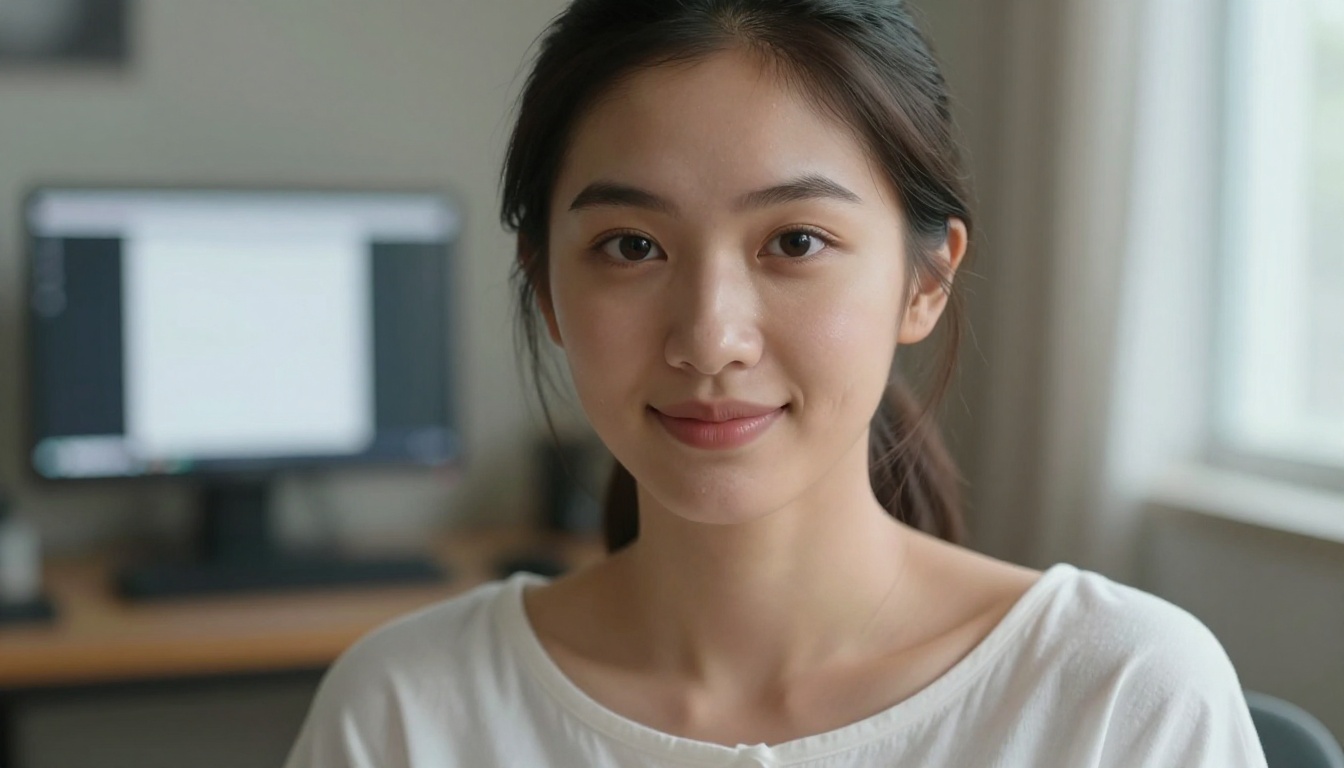
"Japanese woman in her mid-twenties, gazing directly into the camera with calm alluring eyes, wearing a loose white off-shoulder cotton top, straight black hair falling to her shoulders, natural skin texture with visible pores. Soft diffused window light from the right creating delicate jawline shadows. Shot with Sony A7R IV 85mm f/1.4 at early morning, softly blurred warm-toned bedroom background, RAW 8K photography photorealistic Kodak Portra 400 film grain."
Lingerie and Glamour Prompts
Template:
[Heritage] woman in her [age range], wearing [specific lingerie in color/fabric], [pose/position] in [specific room], [hair], [expression]. [Lighting type] casting [shadow description]. Shot from [angle] with [camera lens], [style modifiers].
Example:
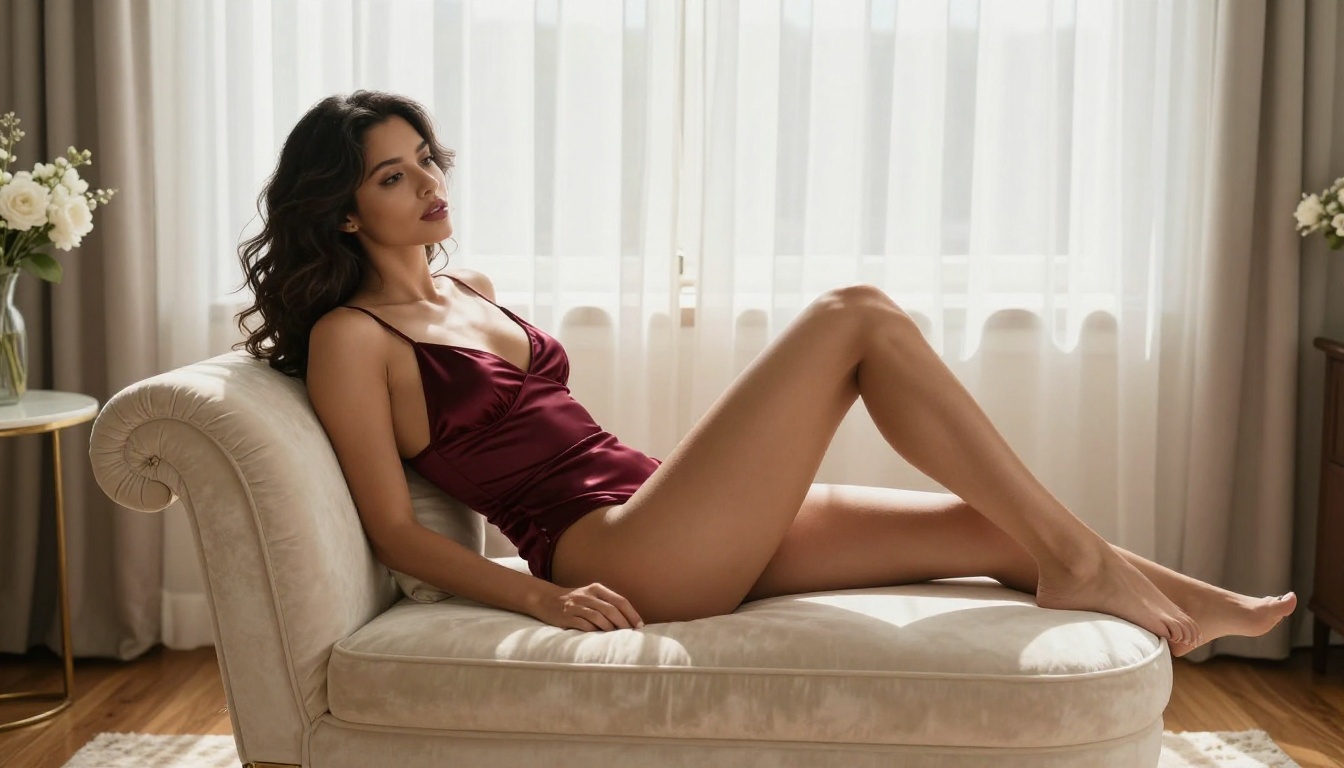
"Latina woman in her mid-twenties, wearing a deep burgundy satin lingerie set, reclining gracefully on a plush cream velvet chaise lounge near a sunlit window. Dark wavy hair over one shoulder, expression confident and relaxed. Soft morning light filtering through sheer white curtains casting long gentle shadows. Shot from a slightly elevated angle with Canon RF 85mm f/1.4, extreme shallow depth of field, natural skin texture, RAW 8K photography photorealistic professional boudoir photography."
Outdoor and Natural Setting Prompts
Template:
[Heritage] woman, wearing [light clothing], [action/expression] in [specific outdoor location]. [Environmental details]. [Golden hour/dusk/dawn] light creating [specific quality]. Shot from [angle] with [camera/lens], [bokeh description], [style modifiers].
Example:
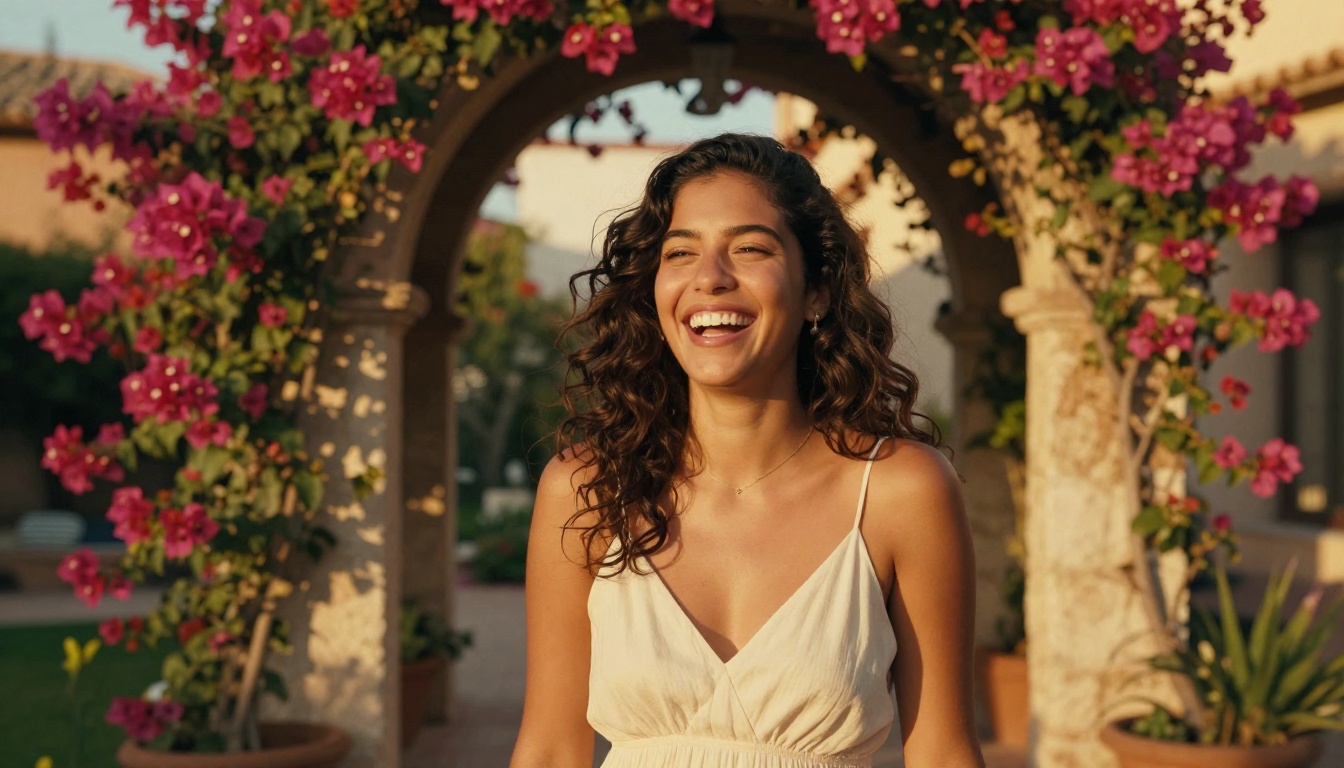
"Latina woman in a flowing cream sundress, laughing naturally in a sun-drenched Mediterranean courtyard garden with lush bougainvillea in deep magenta framing a stone archway. Golden late-afternoon light casting a honey-colored glow across her tanned skin. Shot from a low angle with Sony FE 135mm f/1.8 GM, bokeh background of blurred flowers and terracotta architecture, RAW 8K photography photorealistic candid lifestyle photography."
How Style and Character Type Change Everything
Different style choices produce radically different feels, even with identical settings and lighting. Knowing this lets you dial in exactly the aesthetic you're after.
| Style | Best For | Prompt Keywords |
|---|
| Photorealistic | Natural, authentic portraits | "RAW photography", "natural skin", "Kodak Portra 400" |
| Glamour / Boudoir | Intimate, sensual settings | "professional boudoir", "soft diffused light", "cream tones" |
| Editorial | High-fashion, dramatic looks | "editorial fashion", "Hasselblad", "moody directional light" |
| Lifestyle / Candid | Natural, everyday moments | "candid photography", "golden hour", "warm ambient light" |
| Outdoor / Adventure | Active, natural beauty | "magic hour", "low angle", "natural backdrop" |
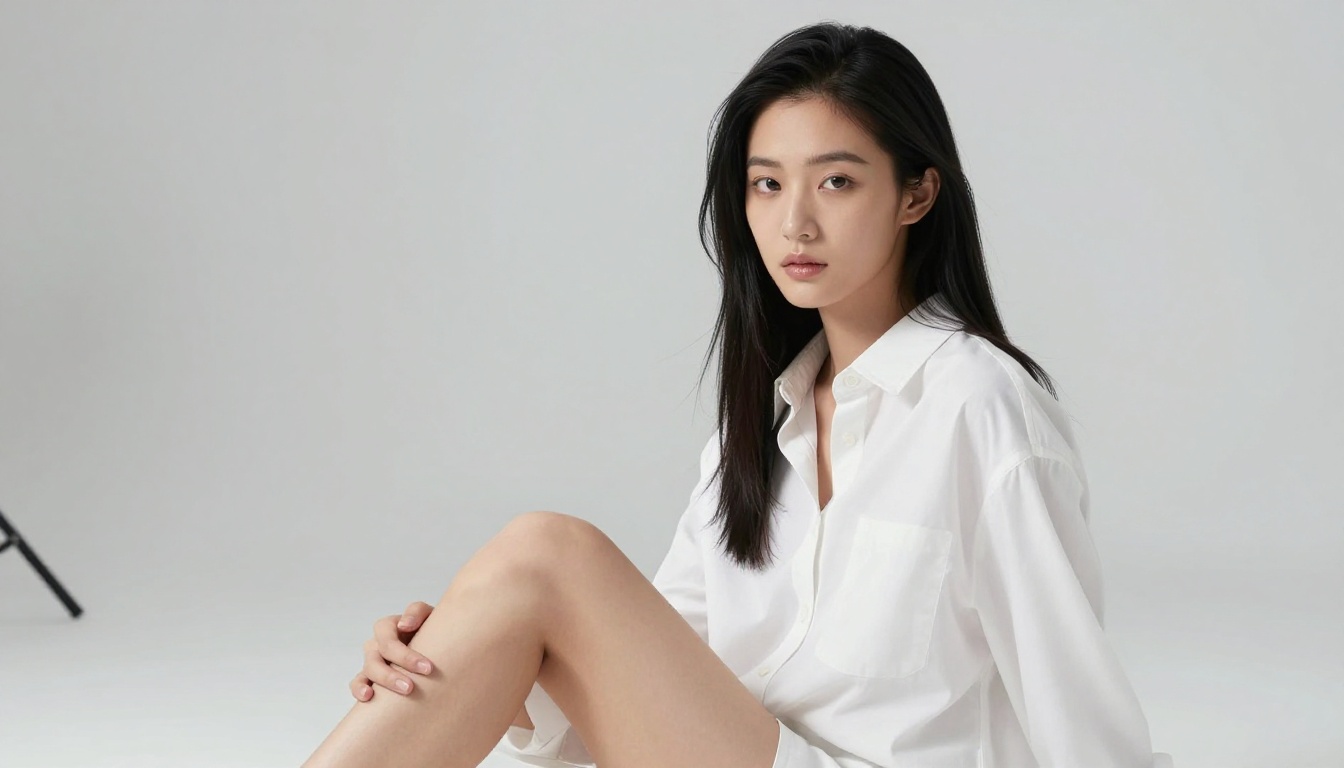
| Studio Minimalist | Clean, focused portraits | "white seamless backdrop", "softbox", "Rembrandt lighting" |
💡 Pro Tip: Mixing styles creates unique results. "Editorial outdoor portrait" or "boudoir lifestyle candid" gives the AI creative direction that single-style prompts alone don't achieve.
Creating Custom AI Art With Private Crush
Private Crush takes the prompt-based approach further by combining image generation with fully interactive AI companions. Instead of generating one-off images, you're building a relationship with a character that produces personalized NSFW art based on your specific requests, within a consistent visual identity.
Here's how it works in practice.
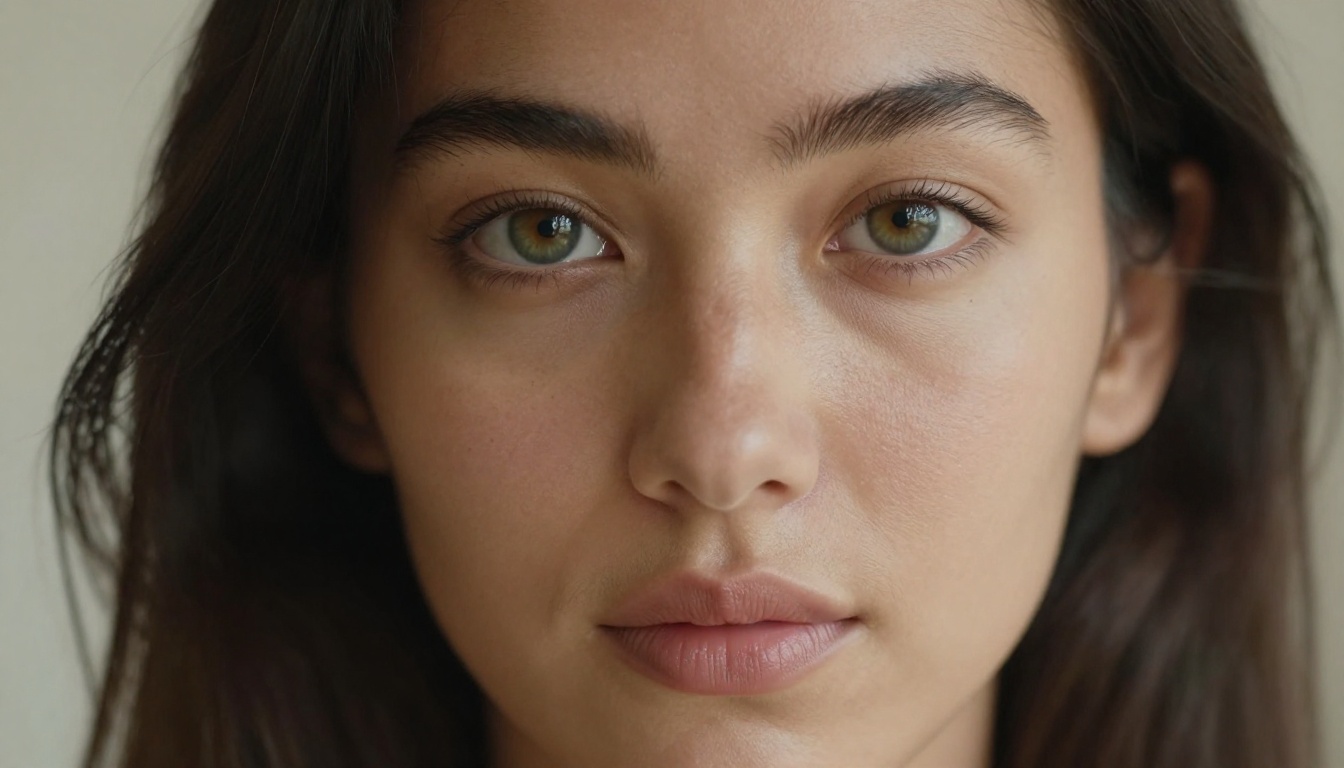
Step 1: Choose Your AI Character
Browse over 120 unique AI companions on the characters gallery. Each character has a pre-built visual identity, personality, and interaction style. You can start with an existing character or build toward a fully custom companion.
Popular choices include:
Step 2: Customize Appearance and Personality
Once you've selected a base character, adjust appearance preferences: hair color, style, clothing, body type, and presentation. Personality settings include conversation tone (playful, dominant, submissive, intellectual) and content preferences.
The Custom AI Character feature lets you define everything from scratch if you have a very specific vision in mind.
Step 3: Generate Your Images
From the chat interface, request images directly by describing what you want. The platform's NSFW Image Generator processes your prompt within the context of your character, meaning results stay visually consistent with your chosen companion's appearance.
The more specific your request, the better the output. Use the prompt templates from earlier sections and adapt them to your character's existing visual identity.
✅ Best Practice: Reference your character's existing features in your image prompts to maintain visual consistency across multiple generations.
Step 4: Use Memory and Build Over Time
Private Crush's memory system stores what your AI companion knows about you and your preferences. Image style requests become more accurate over time without needing to repeat details every session.
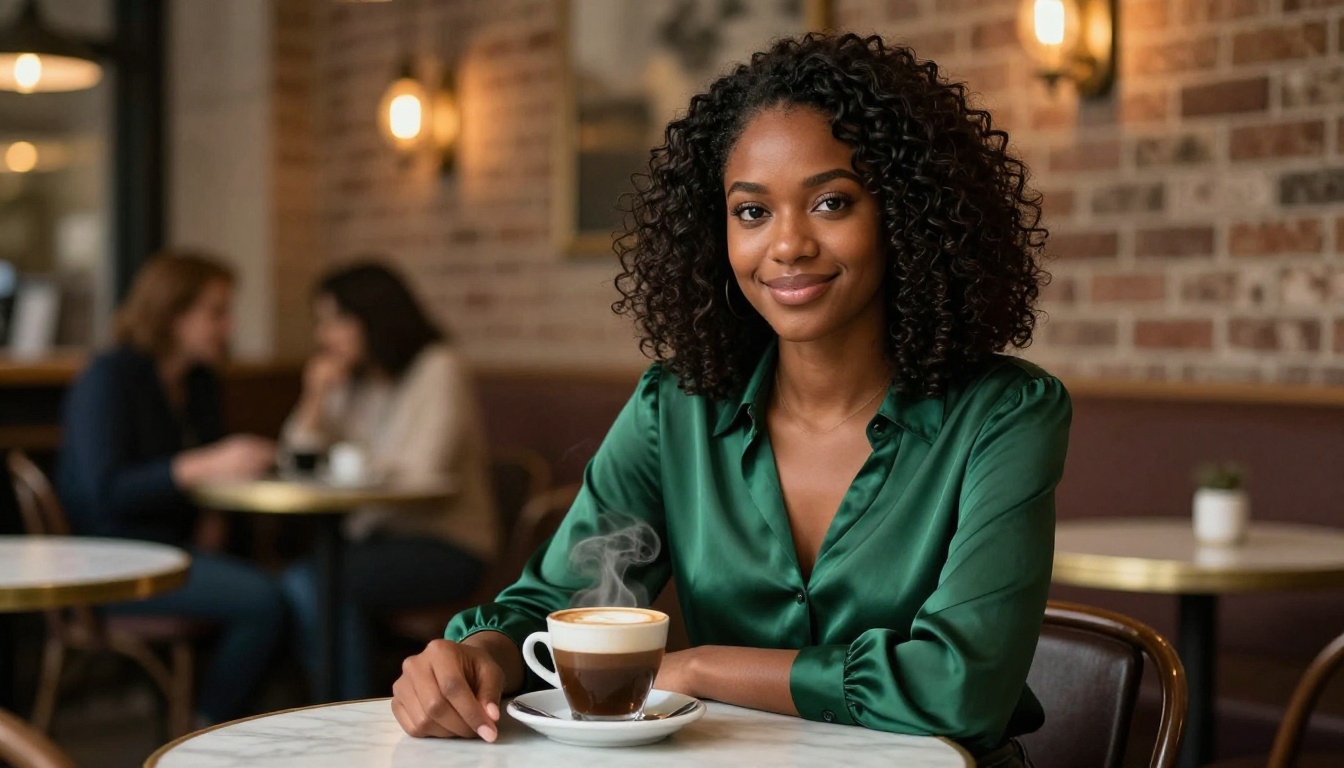
Prompt Comparison: Simple vs. Detailed
This table shows exactly how much difference prompt quality makes on final output.
| Prompt Type | Example | Typical Result |
|---|
| Vague (1-5 words) | "beautiful woman lingerie" | Generic, inconsistent, low detail |
| Basic (1 sentence) | "Beautiful Latina woman in lingerie in a bedroom" | Adequate but flat, random lighting |
| Intermediate (2-3 sentences) | "Latina woman in burgundy lingerie, bedroom, soft light. Canon 85mm, photorealistic." | Noticeably better quality, some depth |
| Detailed (50-75 words) | Full template with lighting, camera, texture modifiers | Hyper-realistic, consistent, professional-grade |
| Platform-Native (Private Crush) | Prompts built within character context | Consistent character appearance plus high-quality output |
The difference between a vague prompt and a detailed one isn't subtle. It's the difference between a random result and something that looks like a professional photograph.
Common Prompt Mistakes to Avoid
Most people creating custom AI adult art make the same handful of errors. Avoiding them immediately elevates output quality.
Mistake 1: Using style terms that contradict each other
Prompts like "photorealistic 3D render anime portrait" confuse the model. Pick one visual language and commit to it.
Mistake 2: Ignoring lighting entirely
No lighting description means random lighting. This single element changes everything about how an image feels.
Mistake 3: Describing emotion but not expression
"Happy" is vague. "Laughing naturally with eyes half-closed in joy" is specific. Translate emotions into visible physical details.
Mistake 4: Forgetting camera angle
"Low angle looking slightly upward" creates a completely different power dynamic and visual composition than "eye level" or "aerial." Choose intentionally.
Mistake 5: Using forbidden style words
Including "CGI", "3D render", "digital art", or "illustration" in a prompt designed for photorealism will push the output toward synthetic aesthetics. Stick to photography vocabulary.
⚠️ Warning: Some platforms have content filters that reject explicit keywords. Use descriptive, visual language focused on aesthetics rather than explicit terminology for better pass-through rates.
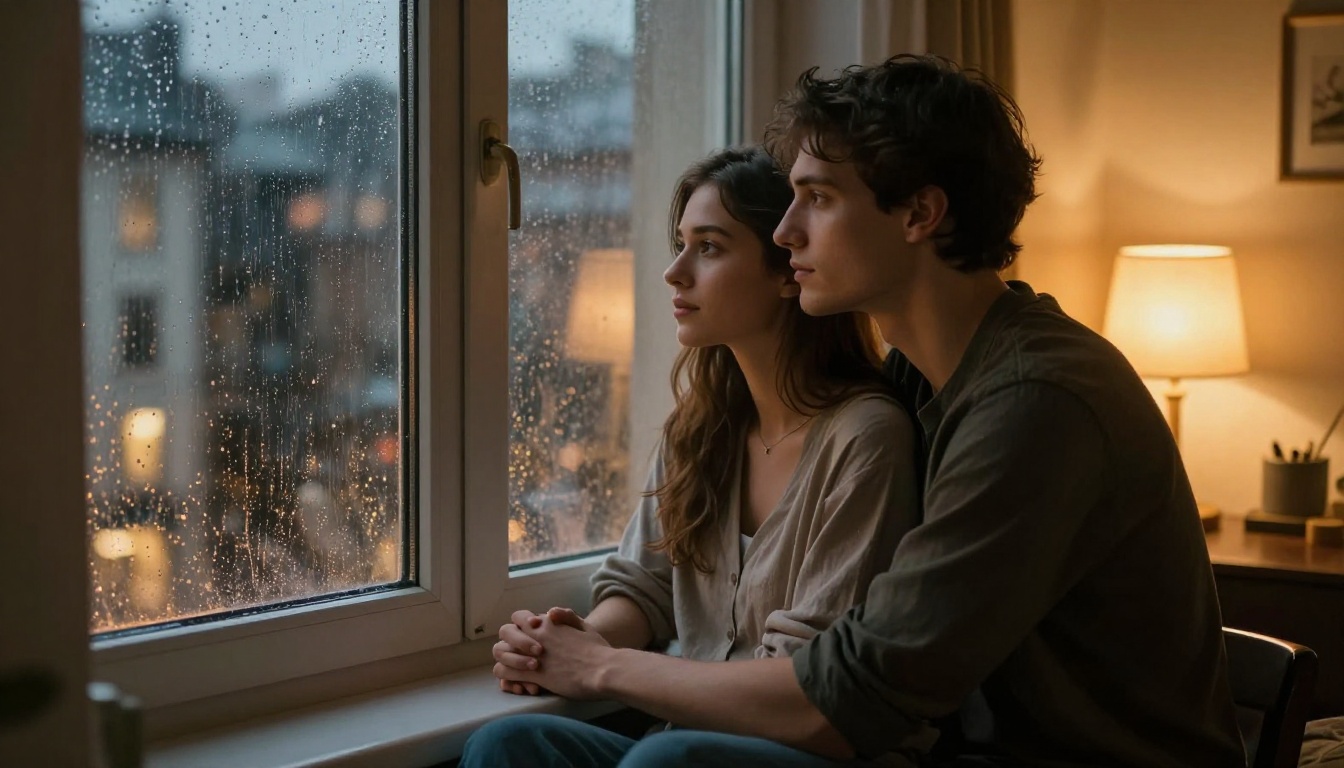
Matching Prompts to Your Vision
Every type of AI adult art has its own prompt vocabulary. Here's a quick reference for common visual goals:
For intimate/sensual portraits: Focus on eye contact, skin texture, lighting warmth, and clothing that suggests rather than reveals. Use words like "alluring", "inviting", "direct gaze", "candid intimacy."
For glamour/boudoir: Emphasize fabric quality (satin, silk, lace), setting opulence (velvet, marble, candlelight), and a confident or relaxed expression. The word "reclining" produces strong boudoir results.
For outdoor natural beauty: Golden hour is your most powerful tool. Add environmental specificity (beach, garden, forest trail) and genuine candid emotion (laughing, looking away, caught mid-movement).
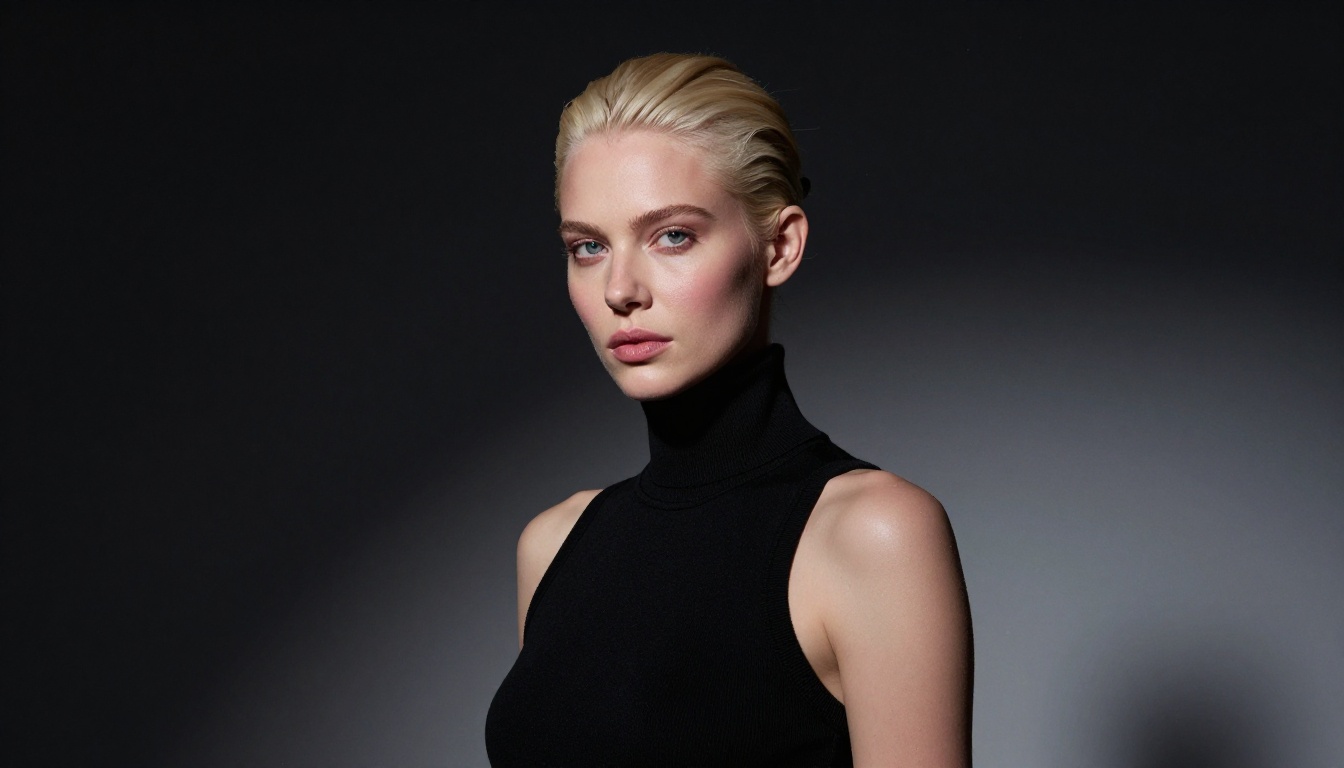
For editorial/fashion: Use dramatic lighting language (Rembrandt, split lighting, hard shadows), bold clothing choices, and a strong directional gaze into camera.
Private Crush Features Worth Knowing
Beyond image generation, Private Crush offers a suite of tools that extend what's possible with your AI companion.
| Feature | Description | Access Level |
|---|
| Unlimited image generation | No daily caps on NSFW image creation | Premium |
| Video calls | Live AI video interaction with your companion | Premium |
| Voice messages | Send and receive voice messages | Premium |
| AI voice cloning | Create a custom voice for your companion | Premium |
| Memory system | Companion remembers your preferences over time | All plans |
| Multiple companions | Manage several AI partners on one account | Premium |
| Uncensored chat | No content filters on conversation | Premium |
| NSFW image to video | Animate your generated images into short clips | Premium |
To see current pricing for each tier, check the pricing page.
💡 Pro Tip: The memory system is underutilized by new users. Start building it early by sharing your image preferences in chat. Over time, your AI generates increasingly accurate results without needing detailed prompts every session.
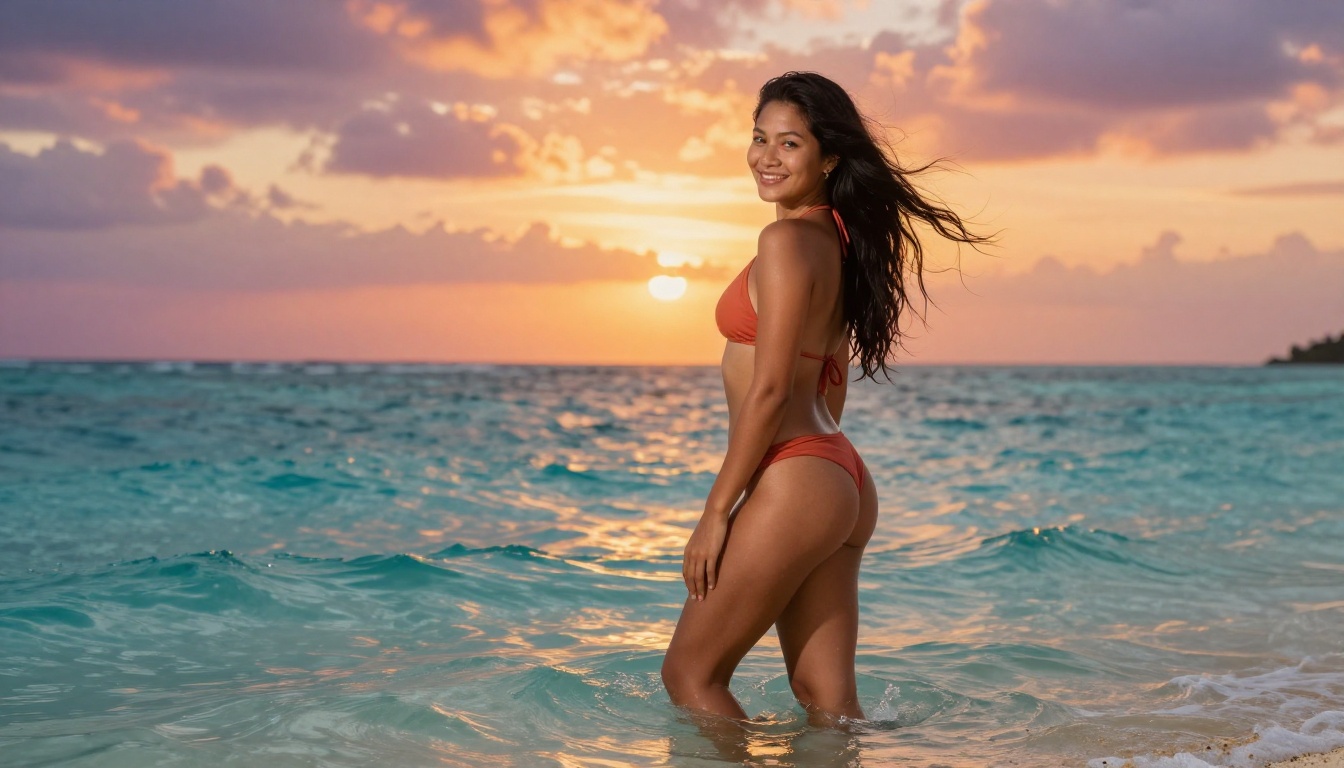
Start Creating Right Now
You now have everything needed to produce high-quality custom AI adult art with prompts that actually deliver. The framework is repeatable: describe your subject in detail, define the setting and lighting precisely, specify the camera and style, and close with quality modifiers.
If you want to skip the technical setup and go straight to results, Private Crush gives you a fully built NSFW image generation system connected to interactive AI companions that remember your preferences and stay visually consistent across every session.
Browse 120+ AI characters to find your starting point, or jump directly into the NSFW Image Generator with a custom prompt from the templates above.
Ready to create? Start your free account and see what a well-crafted prompt can actually produce.


