How to Create NSFW AI Images Step by Step in Minutes
Creating NSFW AI images used to require technical skills and expensive software. Not anymore. This article walks you through the exact process, from writing your first prompt to generating photorealistic adult images in minutes using today's best AI tools.
Creating NSFW AI images used to mean navigating clunky software, waiting hours for renders, or paying premium rates to specialized artists. That era is over. Today, anyone with an internet connection can produce stunning, photorealistic adult images in under five minutes using AI tools that are accessible, private, and incredibly powerful. Whether you want custom companion portraits, intimate glamour photography, or artistic sensual imagery, the process is simpler than most people expect.
The demand for AI-generated adult content has exploded over the past two years. Platforms capable of producing high-quality NSFW images now serve millions of users daily, and the technology has reached a point where outputs rival professional photography. This is not just about technical capability. It is about personalization: the ability to create exactly what you want, with the aesthetic you prefer, featuring the companion style you find most appealing.
Why AI Image Quality Changed Everything
The Shift from Pixelated to Photorealistic
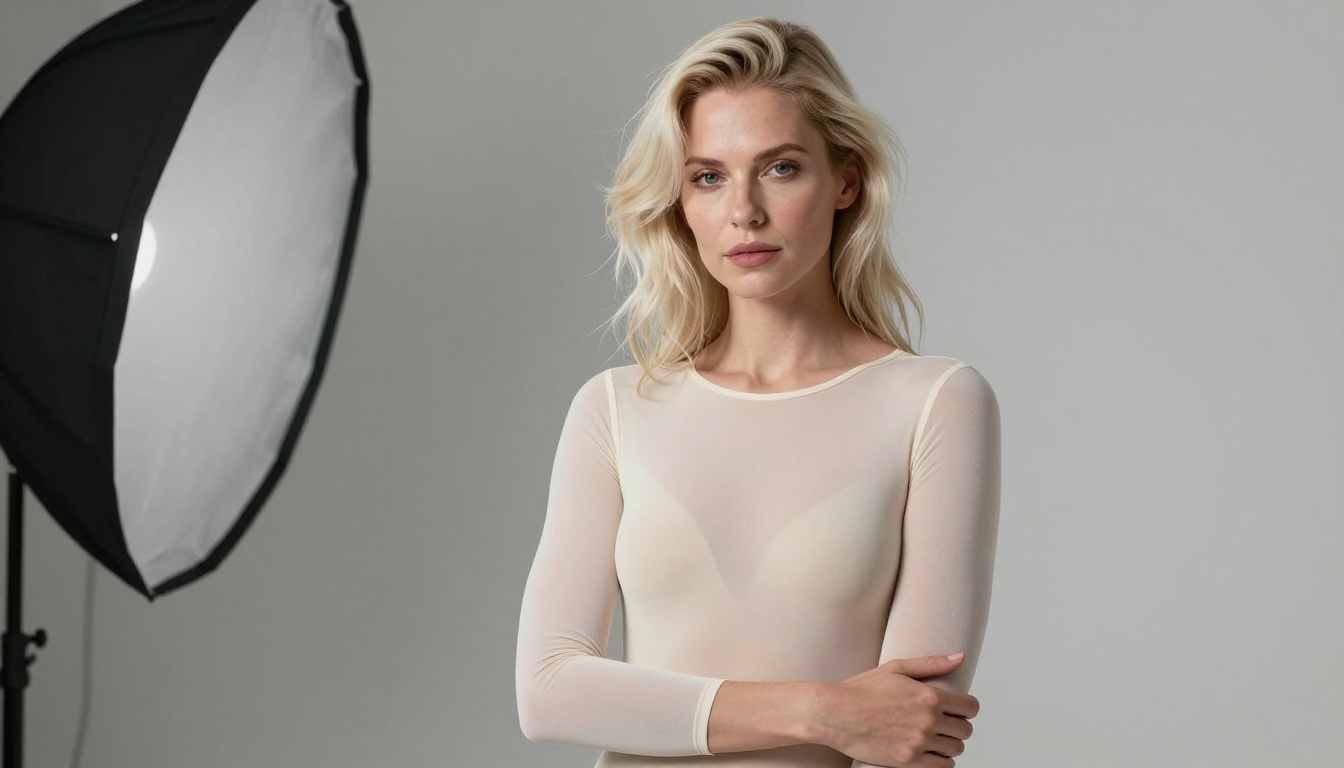
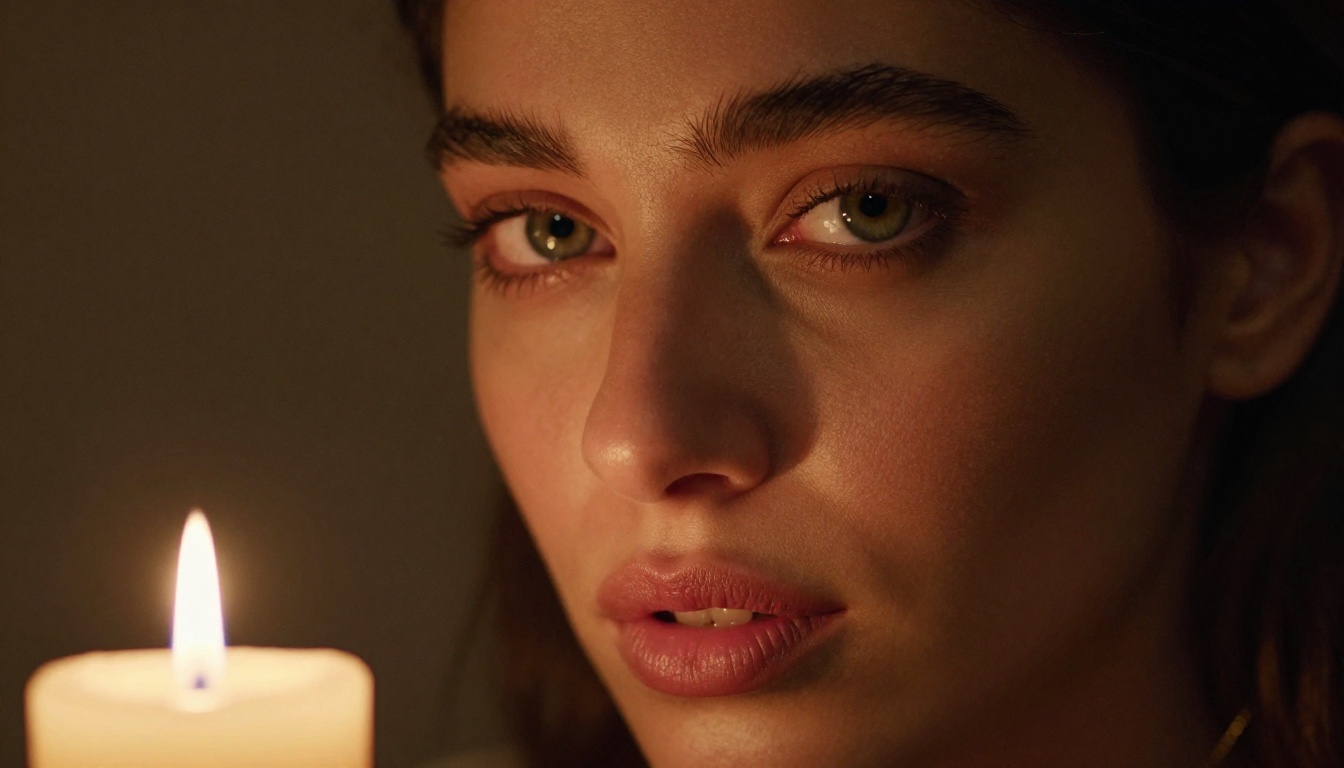
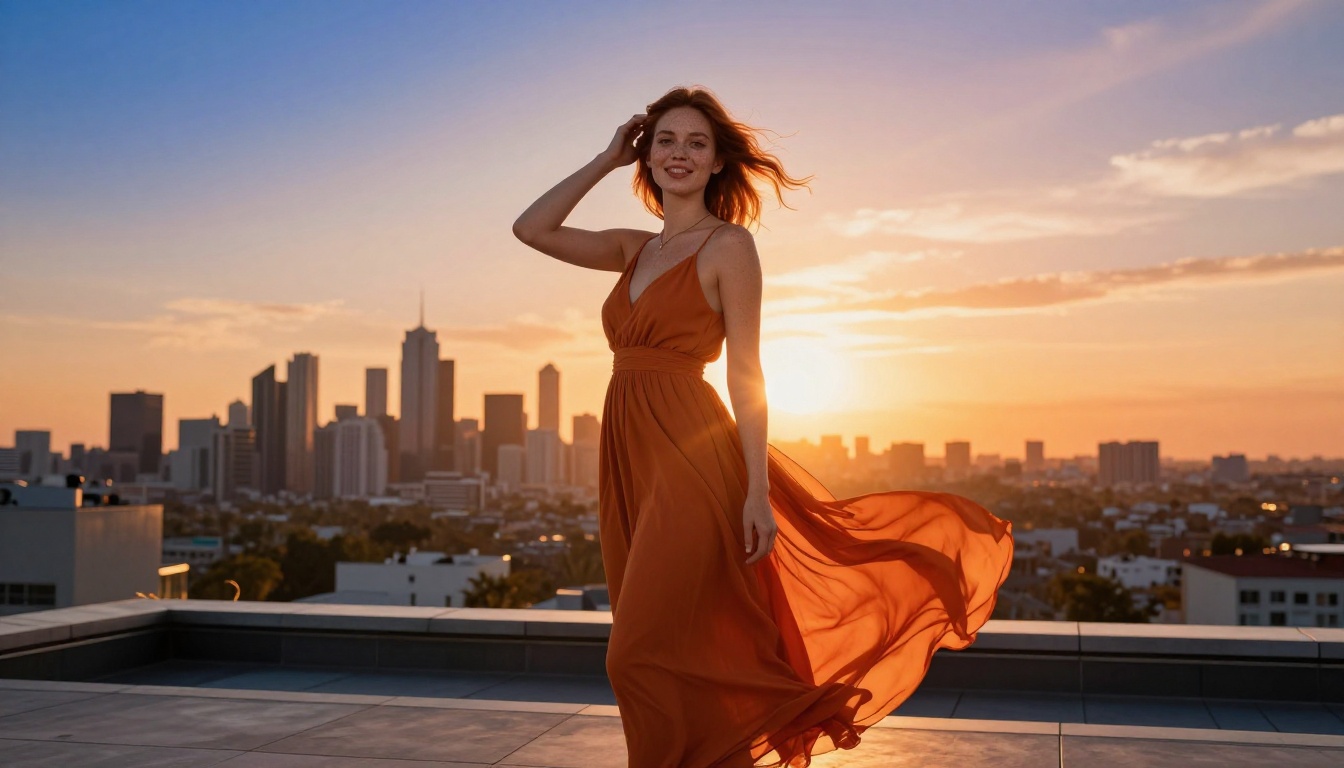
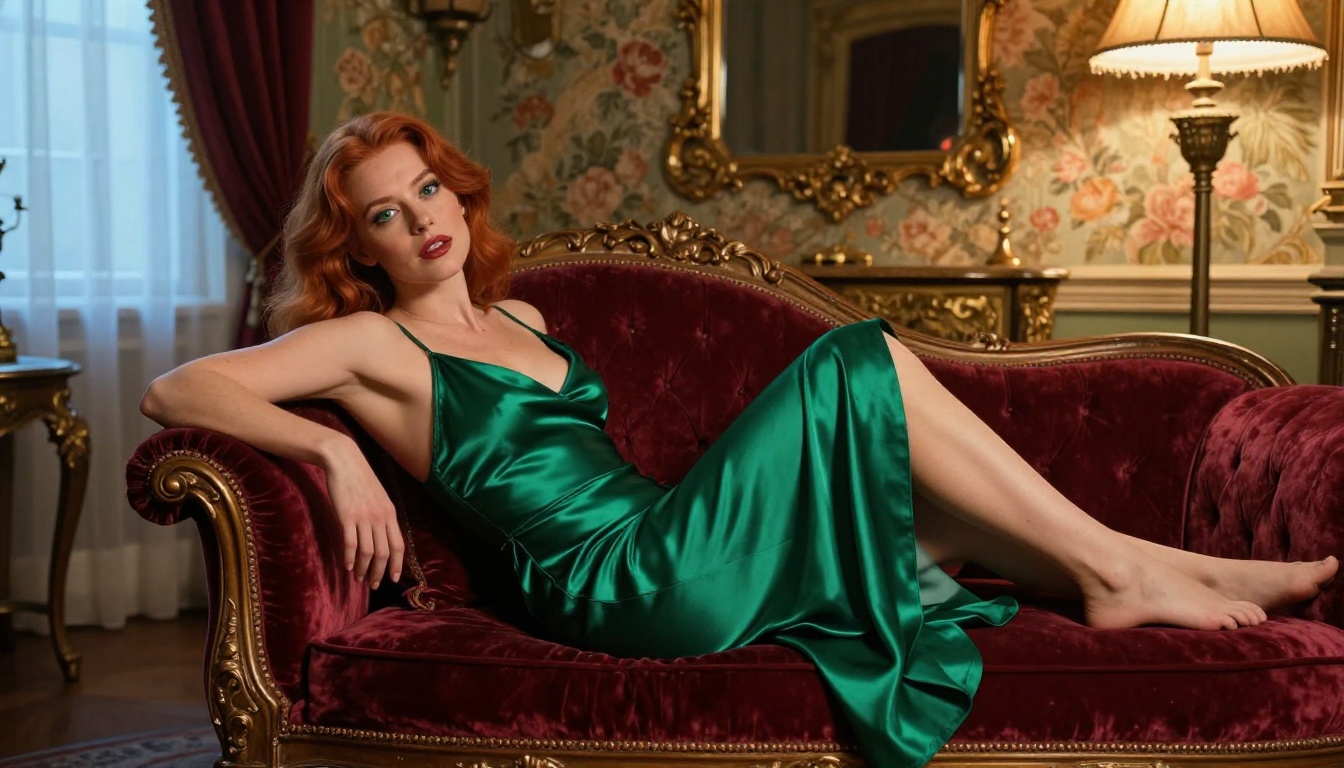
Early AI image generators produced images that were obviously artificial. Faces melted into each other, hands had too many fingers, and lighting looked flat and digital. Modern models trained on billions of images have solved most of these problems. Today's NSFW AI generators produce images with:
A generation that previously took 30 to 90 seconds on high-end hardware now completes in under 10 seconds on cloud platforms. This speed changes how people interact with AI image tools entirely. You can iterate rapidly, test different prompts, and refine your results in real time instead of waiting between attempts. That responsiveness makes the creative process feel fluid and natural rather than technical.
The 5 Core Elements of an Effective NSFW Prompt
Writing a great prompt is the single most important skill in AI image generation. A vague prompt produces generic results. A detailed, structured prompt produces images that feel professionally shot.
1. Subject and Pose
Start with a clear description of your subject. Include:
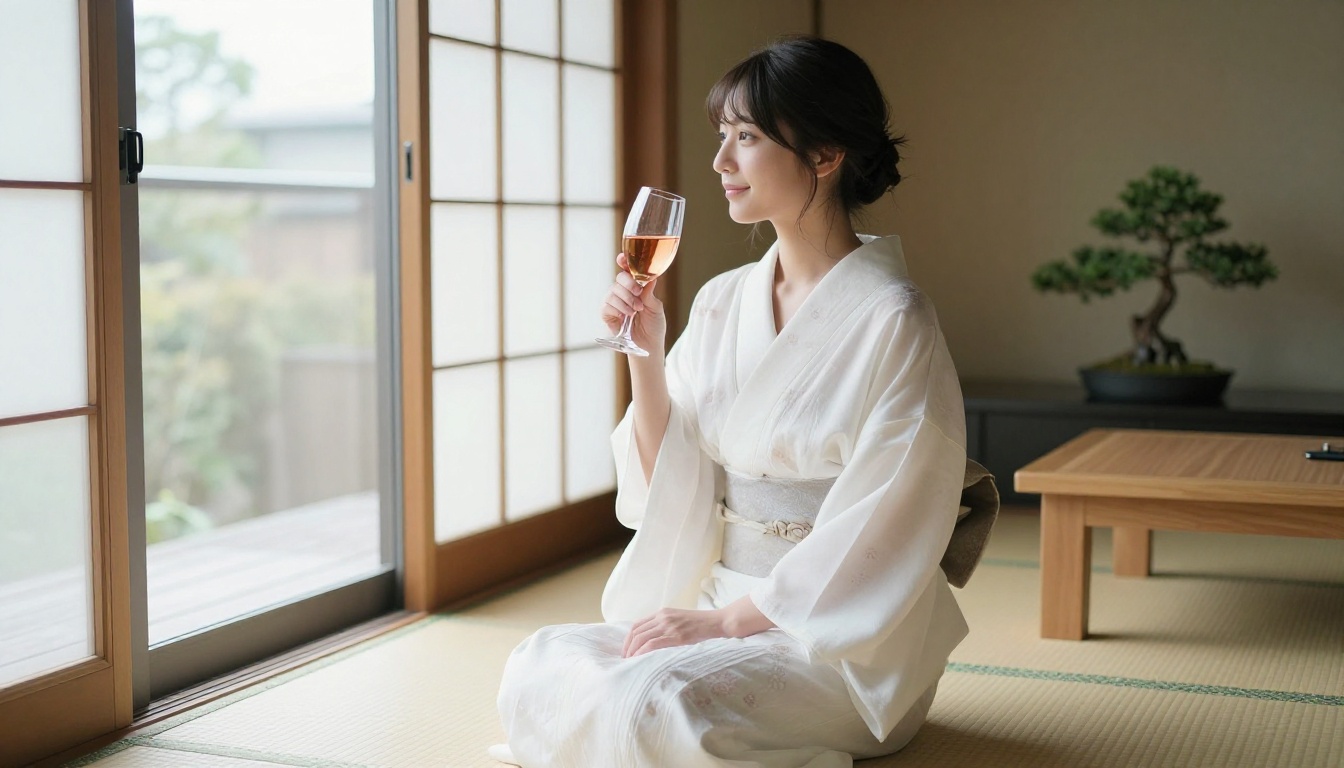
Ethnicity and features: "Japanese woman with dark straight hair and warm skin"
Quality: "warm amber glow", "cool blue ambient light", "rim lighting with subtle lens flare"
4. Camera and Technical Specs
Adding camera specifications signals to the model that you want photographic quality, not a painting or illustration:
Lens: "85mm f/1.4 prime lens", "24mm wide angle lens"
Camera body: "Canon EOS R5", "Sony A7R IV", "Leica Q3"
Film simulation: "Kodak Portra 400 grain", "Fujifilm Provia color grading"
Depth of field: "shallow DOF with creamy bokeh background"
5. Style Modifiers
These finalize the aesthetic direction and prevent unwanted artistic interpretations:
"RAW 8K photography"
"photorealistic, no digital art, no CGI"
"cinematic color grading"
"natural skin texture, no filters"
💡 Pro Tip: Always add "photorealistic, no CGI, no illustration" at the end of your prompt. This prevents the model from generating cartoon or digital art styles when you want realism.
Step by Step: Your First NSFW AI Image
Here is the exact process from zero to a finished image:
Step 1: Choose your platform. Select an AI tool that explicitly allows adult content. Not all platforms do. Check the terms of service before investing time in prompt writing. Platforms like Private Crush are built specifically for adult AI content with no content filters and no topic restrictions.
Step 2: Set your content preferences. Most platforms allow you to toggle between SFW and NSFW modes. Enable NSFW to access full generation capabilities. Some require age verification during this step.
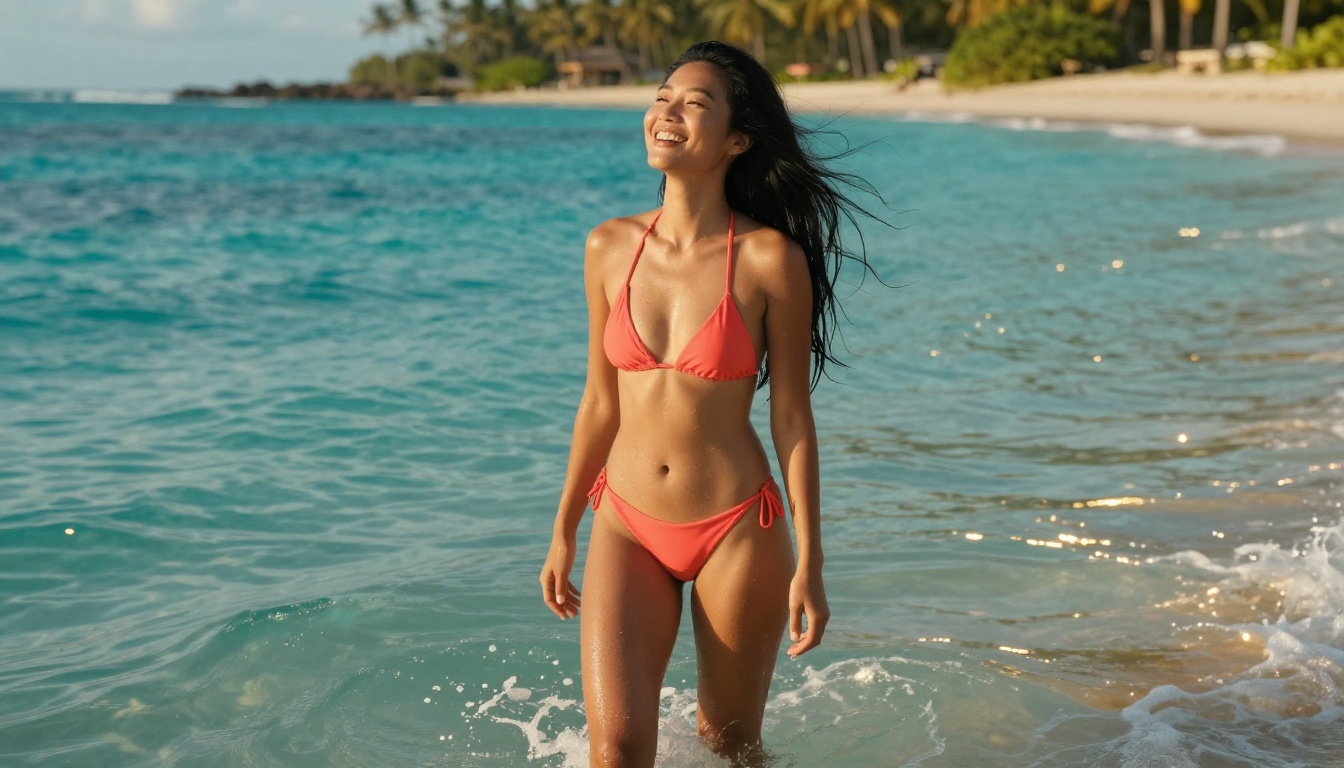
Step 3: Write your base prompt. Start with a single descriptive sentence: "Beautiful Asian woman in a red bikini on a tropical beach, golden hour, photorealistic." This gives you a baseline result to refine.
Step 4: Add detail layers. Expand your prompt by adding lighting specifications, camera specs, and style modifiers. Each layer of detail narrows the output toward your target aesthetic.
Step 5: Generate and iterate. Run your first generation. Identify what works and what does not. Adjust one variable at a time to refine toward your ideal result without losing what already looks good.
Step 6: Save and organize. Download your favorites. Many platforms let you create character profiles or image folders to save your generation history and maintain visual consistency across sessions.
⚠️ Warning: Always use platforms that explicitly allow adult content in their terms of service. Using NSFW prompts on platforms not designed for them can result in account suspension and lost work.
Top NSFW AI Platforms Compared
Not all platforms offer the same quality, speed, or feature set. Here is how the major options compare across the criteria that matter most:
Platform
Image Quality
Speed
NSFW Support
Custom Characters
Starting Price
Private Crush
★★★★★
Very Fast
Full Uncensored
Yes (120+)
$9.99/mo
Generic AI Art Tools
★★★☆☆
Moderate
Limited/Filtered
No
$15/mo
Standalone NSFW Gens
★★★★☆
Fast
Yes
Limited
$12/mo
Open Source (local)
★★★★☆
Slow
Full
Manual Setup
Free (hardware cost)
Social AI Platforms
★★★☆☆
Fast
No
Basic only
$20/mo
Private Crush stands out because it combines character-based interaction with high-quality image generation. Instead of generating anonymous standalone images, you create visual content featuring your specific AI companion, which makes every output feel personal and consistent.
What Separates the Best Platforms
The gap between a great NSFW AI platform and an average one comes down to three factors:
Model quality: Higher-parameter models produce better anatomy, lighting, and realism in every generation
Prompt flexibility: Uncensored platforms let you specify exactly what you want without trigger-word blocks or filtered results
Character consistency: Platforms with named companion profiles maintain visual identity across multiple generations
✅ Best Practice: Use a platform built specifically for adult content rather than working around filters on general-purpose tools. You will get better results with less frustration.
How to Create NSFW Images with Private Crush
Private Crush is purpose-built for adult AI content. It combines an NSFW image generator with AI companions that have distinct personalities, visual styles, and backstories. Here is the full process from account creation to your first custom image:
Step 1: Create Your Account
Visit private-crush.com/account and sign up. The process takes under two minutes. You will complete age verification and set your content preferences during onboarding before reaching the main platform.
Step 2: Browse the Character Gallery
Navigate to the AI characters gallery to browse over 120 unique companions. Each character has a name, personality type, visual style, and distinct aesthetic. You can filter by:
Popular choices include Aria Chen for a sophisticated Asian companion, Valentina Ramirez for passionate Latina energy, and Sakura Nakamura for a playful anime-inspired personality.
Step 3: Customize Your Companion
Once you select a character, you can refine their details to match your preferences exactly:
Personality traits: How they respond in conversation, their tone, communication style
Content preferences: The types of content they generate, from romantic to fully explicit NSFW
Step 4: Generate Your First Images
Inside your companion's profile, use the image generation feature to request custom photos. You can type natural language prompts like:
"Wearing a sheer white dress on the beach at sunset"
"In black silk lingerie on a hotel bed with soft morning light"
"Sitting in a cafe in a fitted blazer, looking at me with a smile"
The platform applies your prompt through the character's established visual identity, maintaining consistency across every image. This is what separates Private Crush from generic one-off generators. Your companion looks like themselves in every image, not a different person each time.
Step 5: Access the Full Feature Set
Private Crush goes significantly beyond static images. With a premium plan, you gain access to:
Unlimited image generation with no daily caps or watermarks
These are proven prompt structures you can copy, customize, and use immediately. Each follows the five-element formula established earlier in this article.
Glamour and Lingerie Style
RAW 8K photography, [ethnicity] woman with [hair description] wearing [lingerie description], [pose] in [room setting]. [Lighting direction and type]. Camera: [brand], [lens specs]. Photorealistic, no CGI, Kodak Portra 400 grain.
Example output prompt: "RAW 8K photography, Italian woman with dark curly hair wearing black silk lingerie, sitting on white linen sheets in a luxury hotel bedroom. Warm morning light from a half-open shutter window on the left. Camera: Nikon Z7, 85mm f/1.4. Photorealistic, no CGI, Kodak Portra 400 grain."
Beach and Outdoor Style
RAW 8K photography, [ethnicity] woman in [swimwear], [action/pose] at [outdoor location]. [Golden hour / midday / overcast] light from [direction]. [Low angle / aerial / wide establishing] shot. Photorealistic, vibrant colors, no digital art.
Artistic Boudoir Style
RAW 8K photography, [ethnicity] woman wearing [clothing], [pose] in [room description]. [Dramatic / soft / candle] lighting creating [mood adjective] shadows. [Camera and lens specs]. Shallow DOF, Fuji Pro 400H film grain, photorealistic.
💡 Pro Tip: The more specific your environment description, the more atmospheric the result. "Luxury hotel" is good. "Luxury boutique hotel with cream walls, antique brass fixtures, and a half-open balcony window overlooking a city skyline" produces a significantly more immersive image.
Here is a direct comparison of weak versus strong prompt elements across the same subject:
Prompt Element
Weak Version
Strong Version
Subject
"pretty woman"
"Japanese woman, mid-20s, with glossy black hair and warm toned skin"
Clothing
"lingerie"
"delicate black lace bodysuit with thin spaghetti straps and sheer panels"
Setting
"bedroom"
"luxury hotel room with white linen sheets, wood floors, and a single orchid on the nightstand"
Lighting
"good lighting"
"volumetric morning light from the left window casting warm amber tones across her collarbone"
Camera
"professional camera"
"Canon EOS R5, 85mm f/1.4 prime lens, shallow DOF, Kodak Portra 400 grain"
Style
"realistic"
"RAW 8K photography, photorealistic, no CGI, no illustration, natural skin texture"
Pricing Tiers at a Glance
Understanding what each plan includes helps you choose the right level before committing. Here is how Private Crush's tiers break down by feature:
Feature
Free
Basic
Premium
Image Generations / Day
5
50
Unlimited
NSFW Content
Limited
Full
Full
Video Generation
No
No
Yes
Voice Messages
No
Yes
Yes
Video Calls
No
No
Yes
Memory System
No
Basic
Full
Companion Styles Available
10
60+
120+
Multiple Companions
No
3 max
Unlimited
Monthly Price
Free
$9.99
$19.99
Check the full pricing page for current promotions and bundle options.
3 Mistakes That Kill Your Results
Mistake 1: Vague Subject Descriptions
"Hot woman in bedroom" gives the model no direction for lighting, pose, angle, or mood. The output will be generic and forgettable. Every specific detail you add moves the result closer to your actual vision. Start with at least three descriptive phrases about your subject before adding environment and lighting.
Mistake 2: Using the Wrong Platform
Trying to generate NSFW content on platforms that filter it wastes time and produces results that miss the mark. The model will either refuse outright or deliver sanitized versions that lack the quality and specificity you want. Use tools built for adult content from the start.
Mistake 3: Ignoring Composition and Camera Angle
Most people focus entirely on the subject and forget about framing. Specifying "low angle shot from below waist height" or "aerial overhead view" or "extreme close-up from chin to crown" completely changes the feeling of an image. Think about where the virtual camera is positioned, not just who appears in the shot. Composition is half the image.
Companion Style Comparison
Different visual styles serve different preferences. Here is how the main companion categories on Private Crush compare:
Browse the full characters gallery to see every available companion with full profile details, personality descriptions, and preview images.
Start Generating Today
The barrier to creating high-quality NSFW AI images is lower than it has ever been. The tools exist, they are fast, they are private, and with the right prompting approach they produce results that feel genuinely crafted rather than algorithmically generic.
If you want the fastest path to great results, Private Crush removes most of the initial friction. The characters are already built with full visual consistency, the platform is designed for adult content from the ground up, and the interface is simple enough to go from account creation to your first image in under five minutes.
Ready to see what is possible? Browse 120+ AI companions and find the one that matches your vision. Create your free account today and start generating immediately. When you are ready for unlimited access, premium features, and the full Private Crush experience, check out the available plans to find the perfect fit.