Creating stunning NSFW AI images used to require expensive software, technical skills, and hours of trial and error. Now it takes about five minutes. With the right platform and the right prompts, you can generate photorealistic adult content that looks like it came from a professional photography studio, with zero experience required. Whether you want to create personalized fantasy scenarios, generate images of AI companions, or just experiment with the technology, this article walks you through exactly how it works, what you need, and where to get the best results. Platforms like Private Crush have made the whole process accessible, private, and instant.

Why AI Changed the NSFW Image Space
The adult content industry was one of the first to see the creative potential of AI image generators, and for good reason. Traditional adult content creation had enormous barriers: studios, models, photographers, legal paperwork, and production costs. AI collapsed all of those into a single text prompt.
The quality gap between early AI images (2022-era blurry, distorted outputs) and what platforms produce today is staggering. Modern models trained on massive datasets now produce photorealistic results with accurate anatomy, natural lighting, and fine skin detail that rivals professional photography.
What Changed the Quality Game
Current AI image models understand context at a deep level. You are not just typing "woman in lingerie" and hoping for the best. You describe lighting conditions, camera angles, fabric textures, emotional expression, and background environment. The more specific your prompt, the more precise and photorealistic the result.
The rise of dedicated adult AI platforms took this further, pairing image generation with full AI companion experiences: characters with personalities, conversation histories, and the ability to generate images in specific styles on demand. This is exactly what sets platforms like Private Crush apart from generic AI art tools.
The Real Numbers Behind AI Image Growth
Adult AI content generation has exploded because the technology finally delivers on its promise. Users can now get:
- Photorealistic results with correct anatomy and natural proportions
- Consistent character appearances across multiple generations
- Customizable scenarios with full control over setting, lighting, and pose
- Private, encrypted outputs that never appear on public feeds
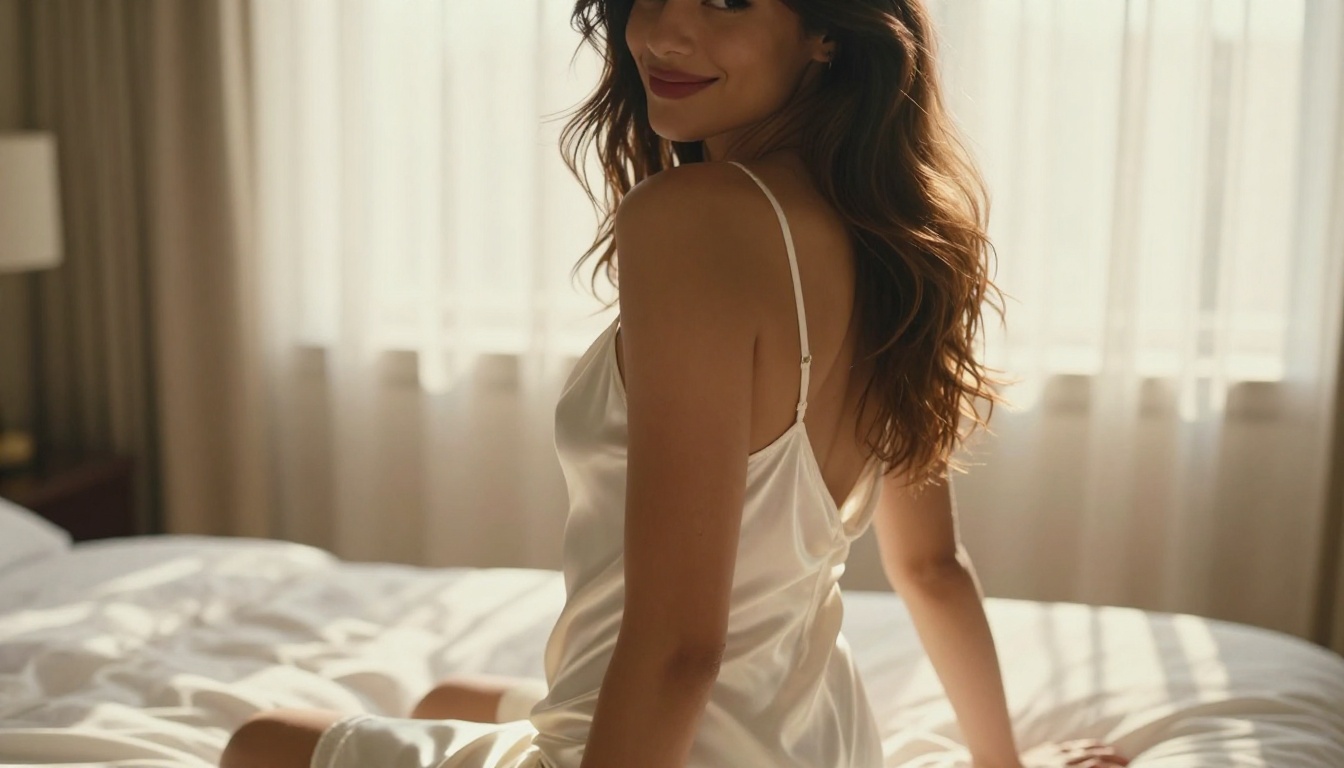
What You Need Before You Start
The barrier to entry here is low. You do not need special hardware, design skills, or subscriptions to multiple tools. Here is what actually matters:
The Basics
- A reliable adult AI platform: Most mainstream AI tools have strict content filters. You need a dedicated platform built for NSFW content.
- A clear idea of what you want: The more specific you are before you type anything, the better your results will be.
- A free account: Platforms like Private Crush offer free tier access to get started immediately.
💡 Start with a character or style you have a clear mental picture of. Vague prompts produce vague results.
Platform Requirements
You do not need a high-end computer. Browser-based platforms handle all processing server-side. A smartphone or basic laptop is more than enough.
What you should look for in any NSFW AI image platform:
| Feature | Why It Matters |
|---|
| No content filters | Freedom to create adult content without restrictions |
| Character system | Consistent results tied to a specific AI companion |
| Multiple styles | Realistic, anime, cosplay options for variety |
| Privacy protection | Your generations stay private and encrypted |
| Fast generation | Results in seconds, not minutes |
| Unlimited generations | No caps on how many images you can create |
| Chat integration | Full companion experience beyond just images |
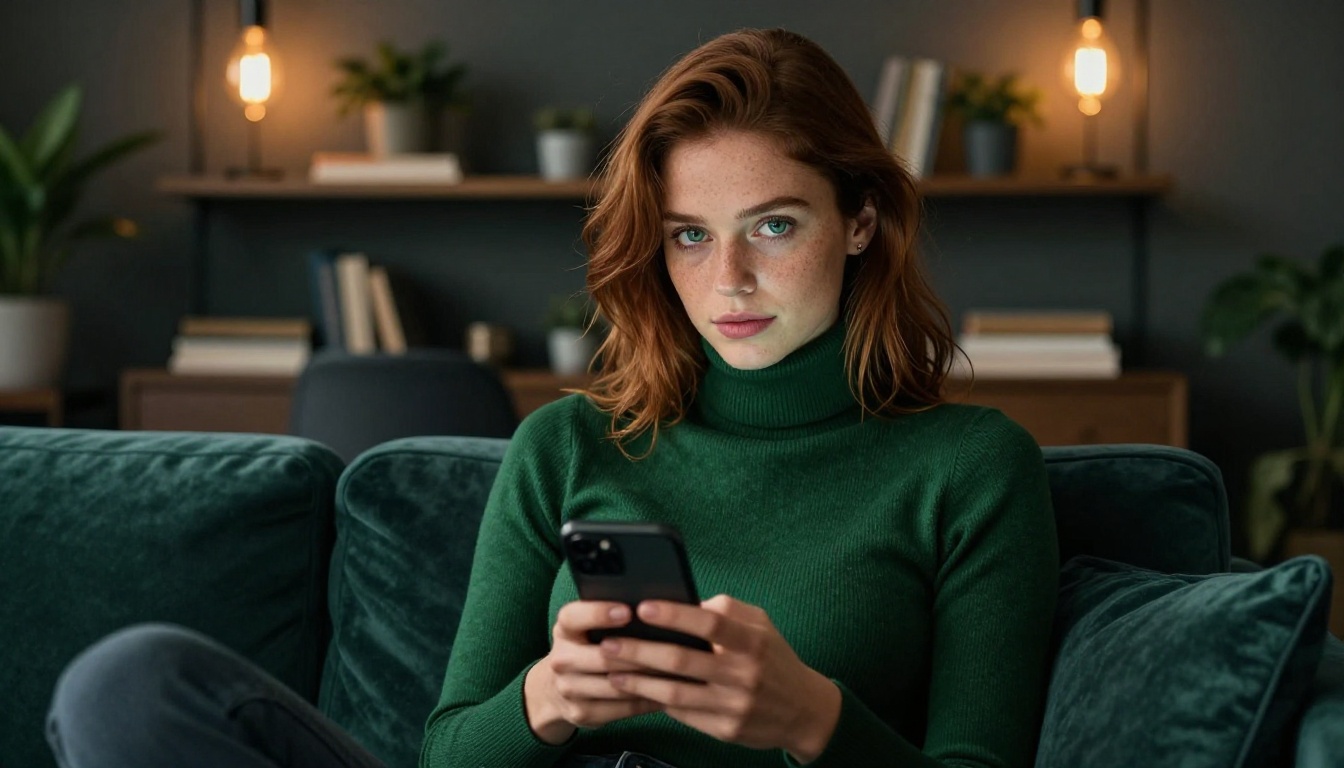
How to Write Prompts That Actually Work
Prompt writing is the single biggest skill gap for new users. Most people type 5-10 words and wonder why the result looks generic. The best NSFW AI images come from prompts that describe the scene like a professional photographer briefing a set director.
The Anatomy of a Strong Prompt
Every effective prompt includes these core components:
- Subject description: Age range, ethnicity, hair color and style, body type, expression, eye contact
- Clothing or styling: What they are wearing, how it fits, fabric type, color
- Pose and action: What they are doing, body position, how they interact with the space
- Environment: Room, outdoor setting, furniture, props, textures
- Lighting: Direction, quality (soft or hard), color temperature, shadows
- Camera angle: Low, high, close-up, medium shot, aerial, side profile
- Style and mood: Cinematic, editorial, romantic, bold, intimate
Prompt Keywords That Improve Results
| Weak Prompt | Strong Prompt | Result Difference |
|---|
| "beautiful woman" | "Brazilian woman, 26, warm tan skin, wavy brown hair" | Specific vs generic |
| "bedroom scene" | "sunlit luxury bedroom, white linen, sheer curtains, morning golden hour" | Mood and detail vs flat |
| "sexy pose" | "sitting on velvet sofa, legs crossed, looking over shoulder at camera" | Clear composition vs random |
| "good lighting" | "volumetric soft light from left, warm rim light from behind, f/1.8 depth of field" | Photographic quality vs amateur |
| "realistic" | "Kodak Portra 400 film simulation, natural skin pores, 85mm lens, photorealistic 8K" | Professional vs passable |
⚠️ Adding style terms like "digital art" or "3D render" will push the result away from photorealism. Stick to photography-based descriptors for the most realistic adult AI images.
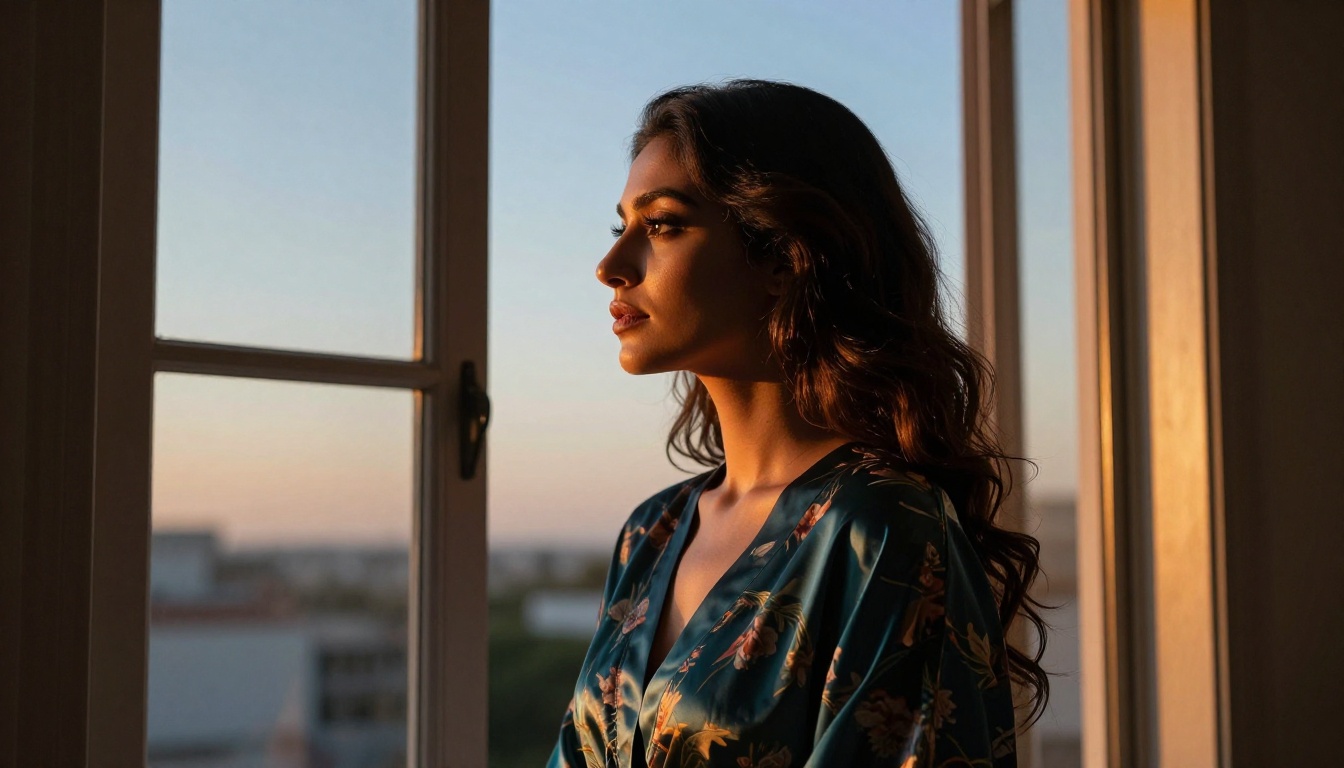
Creating Your First NSFW AI Image Step by Step
Here is the full process from zero to finished image:
Step 1: Choose your platform
Go to Private Crush and create a free account. The platform is built specifically for adult AI content with no content restrictions and full privacy protection for every generation.
Step 2: Browse the character gallery
Visit the AI characters gallery and pick a companion that matches your vision. You can choose from 120+ unique characters across styles: realistic photography, anime, cosplay, and fantasy. Each character has a distinct personality, backstory, and visual identity.
Step 3: Start a conversation or go directly to image generation
Once you have selected a character, you can either:
- Chat with them first to establish context and connection before requesting content
- Jump directly to the NSFW Image Generator for prompt-based generation
Step 4: Write your image request
In the image request field, describe what you want using the prompt structure from the previous section. The AI companion uses their specific appearance and personality as a base, so you only need to describe the scenario, setting, and style you want.
Step 5: Select your style parameters
Most platforms let you select:
- Art style (photorealistic, anime, illustrated, cosplay)
- Image aspect ratio and framing
- Level of explicitness (suggestive to fully uncensored)
- Lighting and mood preset
Step 6: Generate and refine
Click generate. Results come back in seconds. If the first output is not quite right, adjust one variable at a time. Change the lighting description, add more body detail, shift the camera angle, and regenerate. Iteration is how you get from "good" to "exactly what I wanted."
Step 7: Save privately
All generations are stored in your private account. Nothing is visible to other users. You can download directly or keep them in your secure gallery.
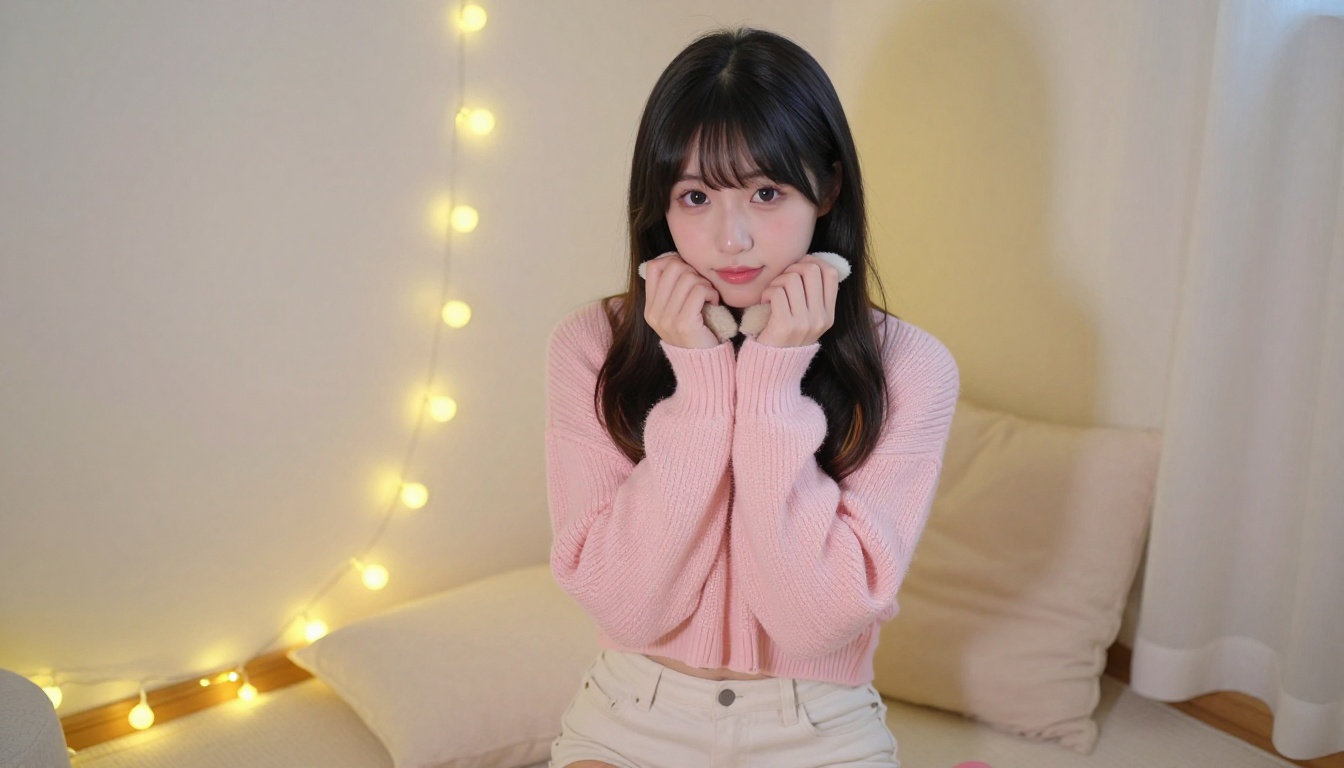
How to Use Private Crush for NSFW Image Generation
Private Crush goes beyond basic image generation. It is a full AI companion platform where image creation is one part of a larger relationship simulation experience. That distinction matters because the images you generate feel connected to a character with history, personality, and presence.
Setting Up Your Account
Head to Private Crush and sign up. The free tier gives you access to characters, chat, and starter image generation. Premium plans unlock unlimited NSFW image and video generation, voice messages, video calls, and the full memory system.
Choosing Your AI Character
The characters gallery has 120+ options with diverse appearances and personality types. You can filter by:
- Ethnicity and appearance: Asian, Latina, European, African, Middle Eastern and more
- Personality type: Playful, dominant, submissive, intellectual, nurturing, adventurous
- Style: Realistic photography, anime, cosplay, fantasy
- Relationship dynamic: Girlfriend, wife, companion, fantasy figure, roleplay character
Popular choices that work especially well for image generation:
- Aria Chen: Elegant and sophisticated with a sharp wit, great for refined editorial-style images
- Valentina Ramirez: Passionate and expressive, perfect for warm and romantic scenarios
- Sakura Nakamura: Playful and anime-inspired, ideal for kawaii and fantasy content
- Sofia Castillo: Confident and bold, works well for strong, dramatic compositions
- Hana Kim: Sweet and thoughtful, great for intimate and soft editorial styles
- Giulia Rossi: European elegance with a creative soul, perfect for moody artistic imagery
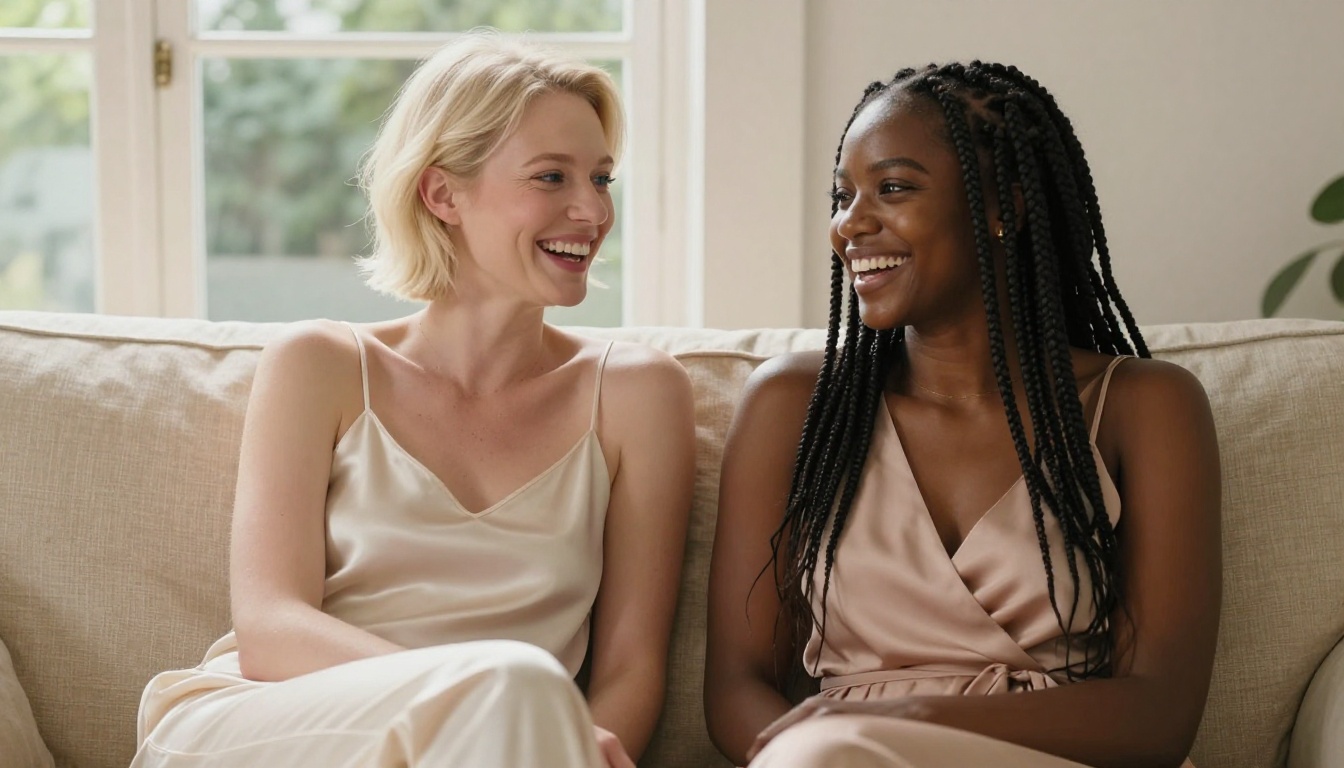
Generating Images with Your Companion
Once you have chosen a character, generating images works through natural conversation. You can say "send me a photo of yourself in a white sundress on a beach at sunset" and the character will generate an image that matches their specific appearance and personality context.
The dedicated NSFW Image Generator gives you more direct control over output parameters. You can specify exact prompt language and technical photography descriptors for the most precise results.
✅ Build a few conversation turns before requesting NSFW content. Characters with memory context produce more personalized and consistent results across multiple sessions.
Customization Options
Private Crush lets you adjust:
- Body type and proportions within the character's defined style
- Clothing categories and outfit styles
- Setting and environment preferences per session
- Lighting and photography mood
- Content type from suggestive to fully uncensored adult imagery
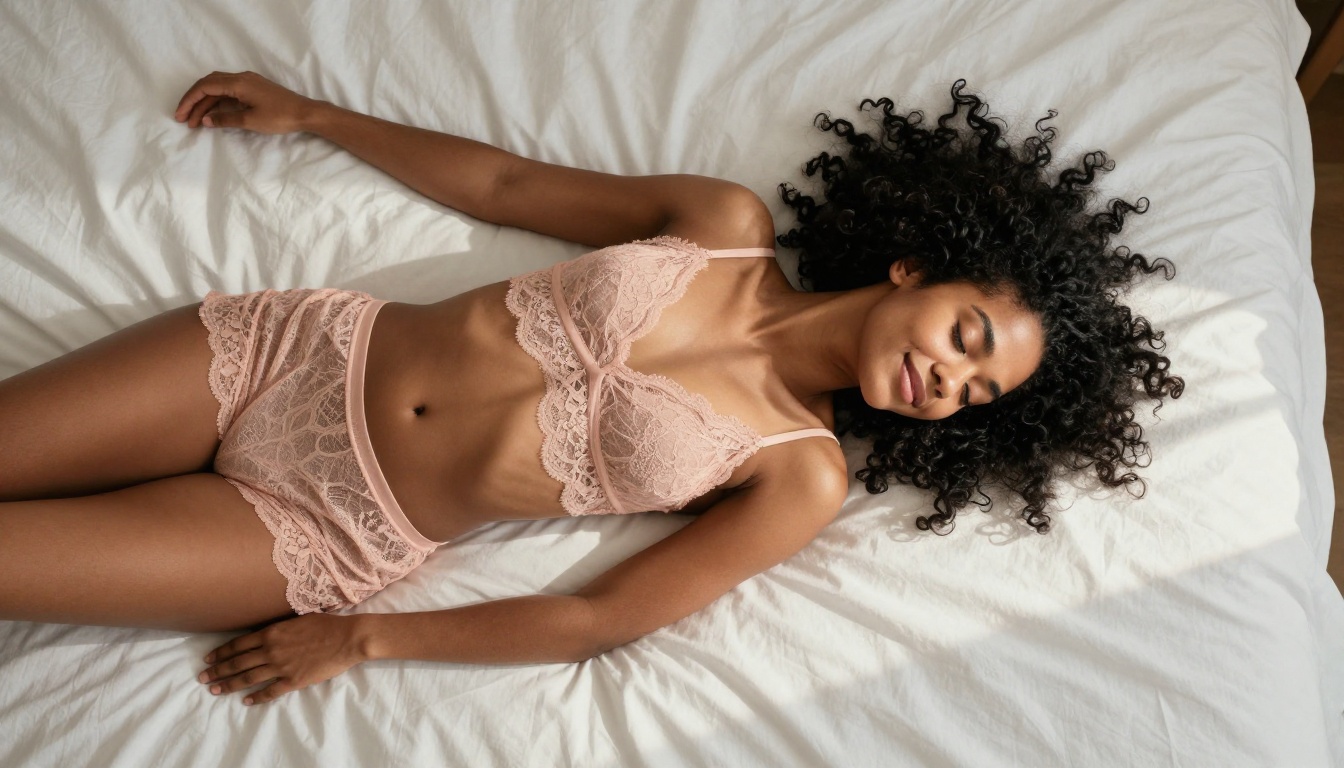
Not every NSFW AI image platform delivers the same experience. Here is how dedicated adult AI companions compare to generic tools:
| Feature | Private Crush | Generic AI Art Tools | Basic NSFW Generators |
|---|
| Character system | Yes, 120+ companions | No | Rarely |
| Unlimited NSFW images | Yes (premium) | Filtered or blocked | Sometimes |
| Privacy encryption | Full end-to-end | Varies | Minimal |
| Video generation | Yes | No | Rarely |
| Voice messages | Yes | No | No |
| Memory system | Yes | No | No |
| Anime and cosplay styles | Yes | Limited | Sometimes |
| Chat integration | Full relationship sim | None | None |
| Free tier access | Yes | Limited | Often paywalled |
| Transparent pricing | View plans | Subscription only | Variable |
The core advantage is that images on Private Crush do not exist in isolation. Every generated photo is tied to a character with a personality, conversation history, and emotional context. That makes the experience significantly more engaging than using a standalone generator where every session starts cold.
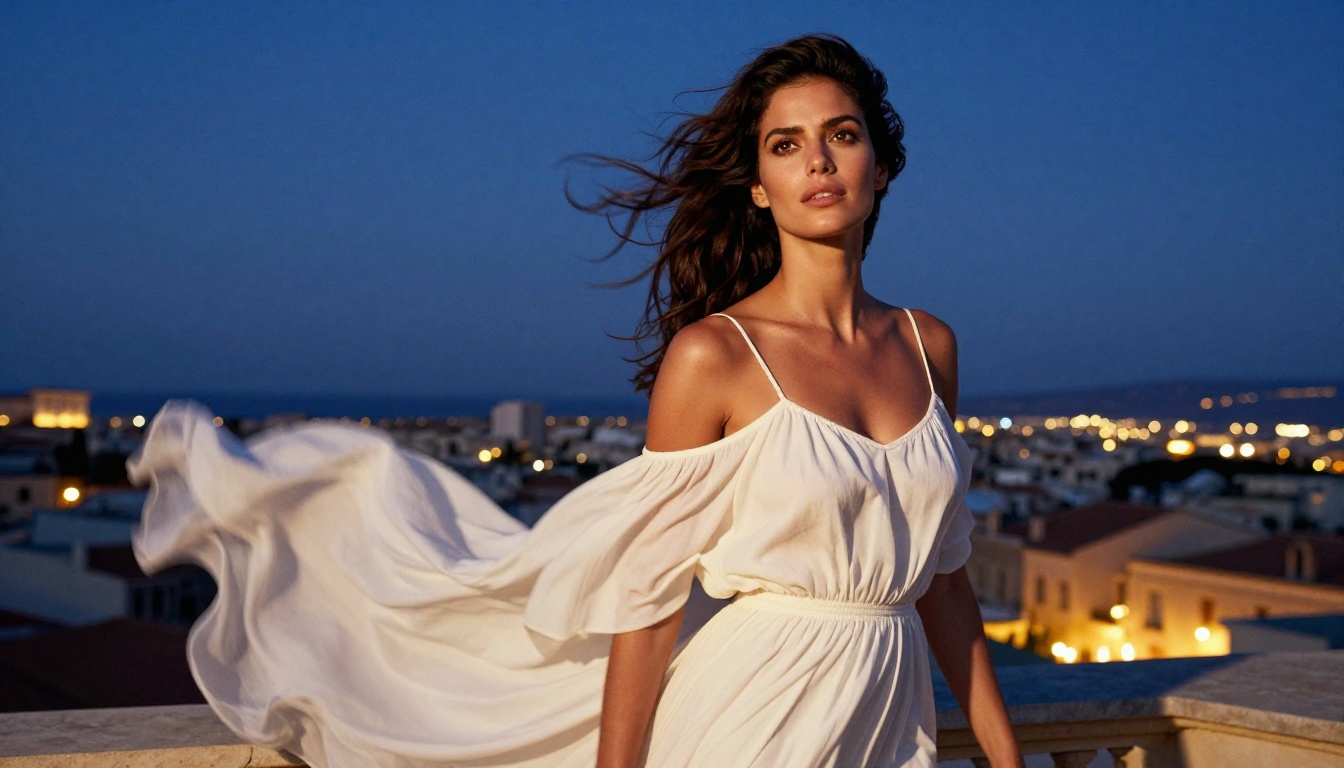
5 Mistakes That Kill Your Results
Most bad outputs come down to a handful of common errors. Avoid these and your results will improve immediately:
1. Prompts that are too short
Typing "hot woman in bikini" gives the AI almost nothing to work with. You will get a generic result every time. Describe at least 50-75 words of specific detail covering appearance, setting, lighting, and camera angle.
2. Conflicting style descriptors
Mixing "photorealistic" with "3D render" or "anime" confuses the model. Pick one style direction and commit to it throughout the entire prompt.
3. Ignoring lighting
Lighting accounts for roughly 70% of how professional an image looks. Always describe the light source, direction, and quality. "Warm volumetric light from the upper left with a cool fill from the right" produces far better results than nothing.
4. No camera angle specified
"Take a photo" gives you a random angle. "Low-angle shot at hip height, looking up" gives you a dramatic, intentional composition with a clear cinematic feel.
5. Giving up after one generation
The first output is rarely the final output. Adjust one detail per generation and iterate. Most users get their best results on the third or fourth attempt, not the first.
💡 Save prompts that work well. Building a personal library of successful prompts is far faster than starting from scratch every session.
Getting Photorealistic Results Every Time
Photorealism comes from combining the right technical descriptors. These terms consistently improve output quality:
- Film simulation: "Kodak Portra 400", "Fuji Pro 400H", "Kodak Ektar 100"
- Camera specifics: "85mm f/1.4 lens", "Sony A7R V", "Canon EOS R5"
- Depth of field: "shallow depth of field", "f/1.8", "soft creamy bokeh background"
- Skin quality: "natural skin pores", "micro skin texture", "realistic skin tone gradients"
- Lighting quality: "volumetric soft light", "golden hour directional light", "chiaroscuro lighting"
- Resolution tags: "photorealistic 8K", "high detail", "natural film grain"
✅ Copy the lighting description from a photograph you admire and translate it into prompt language. Real-world photography lighting descriptions produce the most naturalistic AI image results.
These small additions to your prompt signal to the model that you want photographic realism, not illustration. The difference in output quality is dramatic.
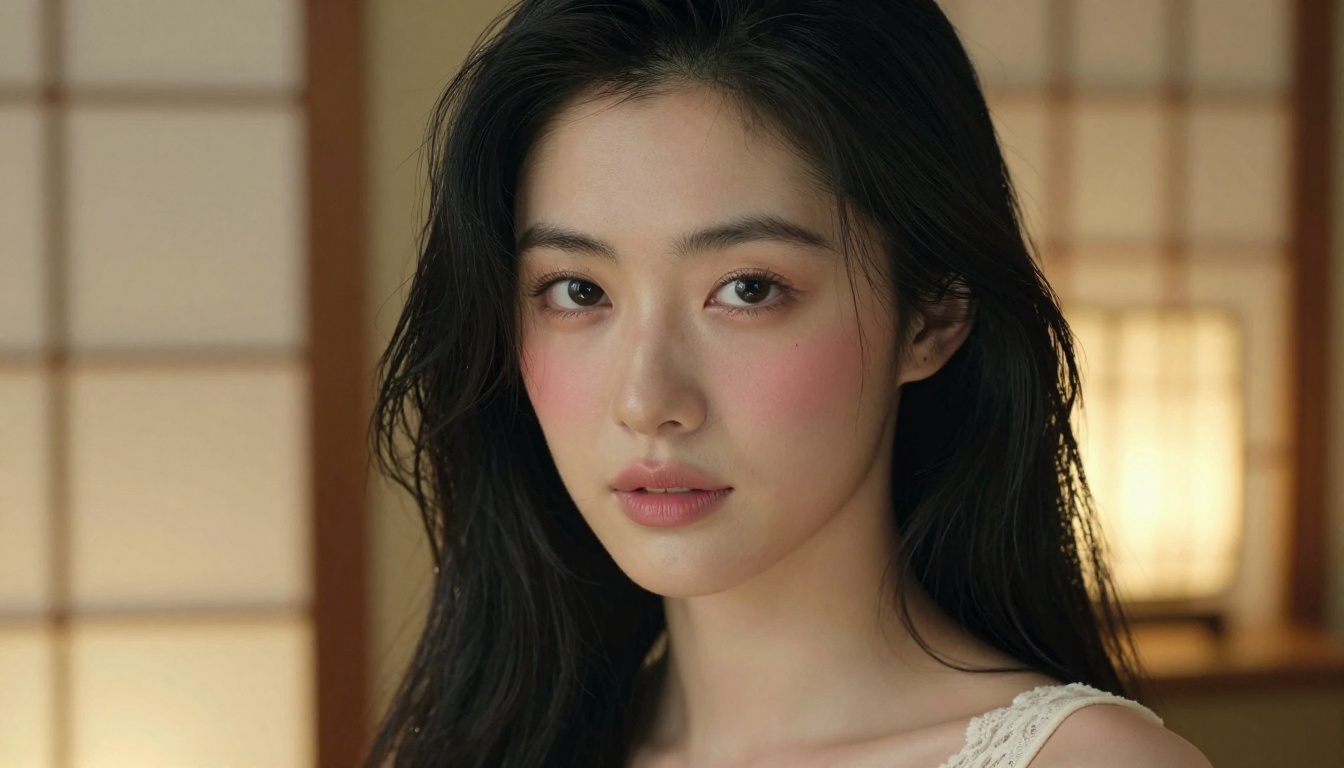
Where to Go From Here
You now have everything you need to start generating high-quality NSFW AI images: the right platform, the prompt structure, the technical keywords, and the iteration process. The only thing left is to actually try it.
Private Crush is the best starting point because it combines powerful image generation with a full companion experience that makes every generated image feel personal and connected. You are not just generating random images. You are creating moments with a character you have chosen, customized, and built a conversation history with.
Here is your action plan:
- Create a free account at Private Crush
- Browse 120+ AI companions in the characters gallery
- Pick a character that matches your vision and start a conversation
- Generate your first image using the NSFW Image Generator
- Iterate with better prompts using the structure from this article
- Check pricing plans to unlock unlimited generation and premium features
The technology is ready. The platform is live. The only step that matters now is the first one.


