The demand for AI-generated adult content has exploded in 2027, and for good reason: modern AI image tools produce stunning, photorealistic results that rival professional photography. Whether you want to create a custom AI companion, generate romantic visuals, or simply push the boundaries of what AI can do, knowing exactly how to generate NSFW AI images step by step gives you full creative control. Private Crush stands at the top of this space, offering a purpose-built platform where generating high-quality NSFW AI images takes seconds, not hours.
This article walks you through every step of the process, from picking the right platform to writing prompts that actually work, with real examples and the exact settings that produce the best results.
What NSFW AI Image Generation Actually Is
"NSFW" stands for "Not Safe For Work," a broad category covering everything from suggestive bikini photography to intimate lingerie shots to full adult content. AI image generation in this space uses large diffusion models trained on millions of images to produce new, original visuals from text descriptions called prompts.
The critical thing to understand upfront: not all NSFW AI tools are built the same. Most mainstream image generators such as Midjourney, DALL-E, or default Stable Diffusion apply aggressive filters that block even mildly suggestive content. Dedicated adult AI platforms bypass these restrictions with purpose-trained models that produce far more realistic and detailed results.
💡 The quality gap between a generic AI image tool and a purpose-built NSFW generator is enormous. Specialized platforms use fine-tuned models trained specifically on adult aesthetics, which produces dramatically more realistic skin texture, lighting, and composition.
Three factors determine the quality of your NSFW AI images:
- The underlying model: How the AI was trained and on what data
- Your prompt: What you describe and how precisely you describe it
- Platform settings: Resolution, style, realism level, and safety filters
The Best NSFW AI Generators Right Now
Not every platform delivers the same experience. Here is a direct comparison of what is currently available:
| Platform | Photorealism | NSFW Capability | Character Consistency | Pricing |
|---|
| Private Crush | ★★★★★ | Full uncensored | 120+ locked companions | Free + Premium |
| Stable Diffusion | ★★★★☆ | Model-dependent | None (manual) | Free (self-hosted) |
| SeaArt | ★★★★☆ | Moderate | None | Subscription |
| SoulGen | ★★★☆☆ | Moderate | Limited | Subscription |
| NightCafe | ★★★☆☆ | Mild only | None | Credit-based |
Private Crush wins on the combination of character consistency, photorealism, and accessibility. You are not starting from scratch with each generation. Every companion has a defined appearance and style locked into the model, so the images you create feel like a continuous visual story rather than disconnected random outputs.
✅ Best Practice: For consistent results with the same person across multiple images, always use a platform with locked character models. Generic AI tools produce a different-looking subject every generation, making it impossible to build a coherent visual narrative.
How to Write Prompts That Actually Work
Prompt writing is the single biggest factor in your output quality. A weak prompt produces generic, flat results. A detailed, specific prompt produces something genuinely impressive. This is where most beginners lose time.
The Anatomy of a Strong NSFW Prompt
Every high-quality prompt has four core components:
- Subject: Who is in the image and what are they doing or wearing
- Environment: Where the scene takes place and what surrounds them
- Lighting: Direction, quality, color temperature, and intensity of light
- Camera and Style: Lens type, film stock, mood, and photography style
Weak prompt: "Beautiful woman in bikini on beach"
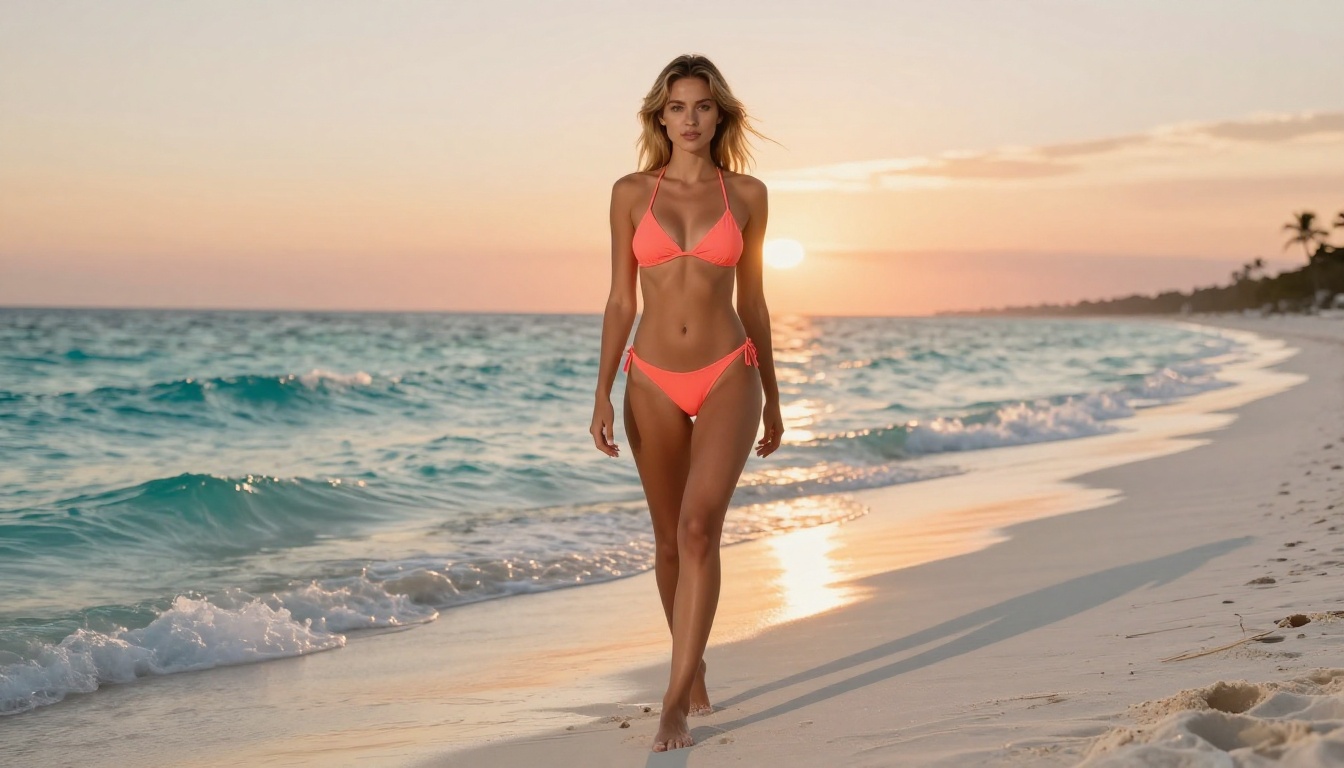
Strong prompt: "Beautiful olive-skinned woman with long dark curly hair, wearing a strappy coral bikini, standing at the water's edge on a white sand beach at golden hour, turquoise waves washing over her feet, warm backlit sunset creating dramatic rim lighting around her silhouette, 85mm f/1.8 lens, shallow depth of field, Kodak Portra 400 film grain, photorealistic RAW 8K"
The difference in output is dramatic. The second version specifies skin tone, hair description, clothing detail, exact location, time of day, lighting direction, camera settings, and film style. That level of specificity tells the AI model precisely what to produce.
Lighting Words That Transform Results
Lighting descriptions have an outsized impact on how dramatic and realistic the final image looks:
| Lighting Term | Visual Effect |
|---|
| Golden hour | Warm amber tones, long shadows, romantic feel |
| Volumetric light | Visible light rays cutting through air, atmospheric depth |
| Rembrandt lighting | Triangle shadow on one cheek, classic portraiture look |
| Soft window light | Diffused, flattering, natural indoor quality |
| Chiaroscuro | High contrast, deep dramatic shadows, cinematic intensity |
| Rim lighting / backlit | Glowing edges, beautiful silhouette separation from background |
💡 Adding "Kodak Portra 400" or "Fujifilm 400H" to any prompt immediately injects organic film grain and natural color tones that make AI images look far more like real photography rather than synthetic renders.
Negative Prompts: What to Block
Most platforms let you specify what you do not want to see. Always include these in your negative prompt field:
blurry, low quality, distorted, watermark, text, logocartoon, illustration, 3D render, CGI (when you want photorealism)extra limbs, bad anatomy, disfigured, missing fingers, extra fingers
These act as guardrails that steer the AI away from its most common failure modes.
How to Generate NSFW AI Images on Private Crush
Private Crush makes the entire process fast and intuitive. Here is the full step-by-step workflow from account creation to your first generated image:
1. Create Your Account
Go to private-crush.com/account and register. It takes under two minutes. The platform requires only an email address and age confirmation. All data is encrypted and private by default.
2. Browse the Character Gallery
Head directly to the characters gallery. You will find 120+ unique AI companions, each with a distinct appearance, personality, and aesthetic style. The catalog spans a wide range:
3. Select Your Companion
Click any character to open their profile. Read their personality description, view their default appearance, and note their interaction style. When you find the right match, select "Start Chatting" to open the main interface.
4. Open the Image Generation Panel
Inside the chat interface, locate the image generation option (camera icon or "Generate Image" button). This opens the NSFW Image Generator specific to your selected companion.
5. Write Your Scene Prompt
Describe the scene you want. Because Private Crush locks the character's face and body appearance to a specific model, you only need to describe the setting, pose, clothing, and mood. Character consistency is handled automatically.
Example scene prompt: "Sitting at a candlelit table in a rooftop restaurant at night, wearing an elegant off-shoulder silk dress, warm soft backlight, intimate atmosphere, 85mm portrait, Kodak Portra 400"
6. Adjust Your Settings
- Style: Realistic, artistic, or anime
- Explicitness level: Suggestive, moderate, or full NSFW (premium tier)
- Aspect ratio: Portrait (9:16), landscape (16:9), or square (1:1)
- Resolution: Standard or ultra-high for maximum detail
7. Generate and Iterate
Hit generate. Results appear in seconds. If you want adjustments, modify the prompt and regenerate. Premium users get unlimited generations, so iteration costs nothing. Running the same prompt 3-5 times often reveals a dramatically stronger result in one of the attempts due to natural variation in the generation process.
Settings That Separate Good from Great
Understanding the technical generation settings moves your results from acceptable to exceptional.
| Setting | What It Controls | Recommended Value |
|---|
| Resolution | Output pixel dimensions | Always use maximum available (2K+) |
| CFG Scale | How strictly AI follows your prompt | 7-10 for photorealistic NSFW |
| Sampling Steps | How many refinement passes the AI runs | 30-50 steps for best anatomical detail |
| Style Weight | Artistic style vs. realism balance | Keep low (1-3) for photography |
| Seed | Random starting point for generation | Save seeds of results you love |
| Denoise Strength | How much the AI modifies the base | 0.6-0.8 for controlled variation |
⚠️ Warning: Setting CFG Scale above 12 frequently causes distorted anatomy, unnatural skin textures, and broken proportions. Stay in the 7-10 range for realistic human subjects.
Resolution and File Format
For NSFW AI images intended for personal use or saving:
- Minimum usable: 768x1024px portrait or 1024x768px landscape
- Recommended: 1536x1024px or higher for print-quality detail
- File format: PNG preserves fine detail better than JPG for AI-generated images
Mistakes That Kill Your Results
Most people starting with NSFW AI image generation repeat the same errors. These are the five that waste the most time:
Prompts That Are Too Vague
"Sexy woman" generates mediocre, generic output every time. Specificity drives quality at every level. Describe appearance, setting, lighting, clothing detail, mood, and camera angle. If you spend 30 seconds writing a better prompt, the output improves by an order of magnitude.
Forgetting the Background
Beginners focus entirely on the subject and ignore the environment. A beautiful subject floating against a blank white void looks artificial and flat. Always describe a setting, even something minimal like "soft blurred bokeh background" or "warm interior with low amber lighting."
Skipping Negative Prompts
Without negative prompts, the AI has no guardrails. Common failures like extra fingers, distorted anatomy, visible watermarks, and cartoonish skin textures appear far more often. Block them from the start.
Accepting the First Result
First-generation outputs are rarely the best. Run the same prompt 3-5 times before concluding the prompt needs changes. The stochastic nature of diffusion models means each attempt produces a genuinely different image from the same text, and the variation can be dramatic.
Using the Wrong Platform
Attempting to generate adult content on platforms not designed for it means hitting content filters, receiving censored outputs, or having accounts flagged. Use a dedicated platform like Private Crush built specifically for this purpose from its infrastructure up.
Content Styles and What Each Requires
Different categories of NSFW AI content need different prompt approaches:
Lingerie and Glamour Photography
The most accessible category for beginners. Clothing defines the level of suggestion, and lighting cues are well-understood by adult AI models. Focus your prompt on fabric type and color, lighting quality, setting (bedroom, hotel suite, outdoor terrace), and mood (romantic, playful, confident).
Beach and Swimwear
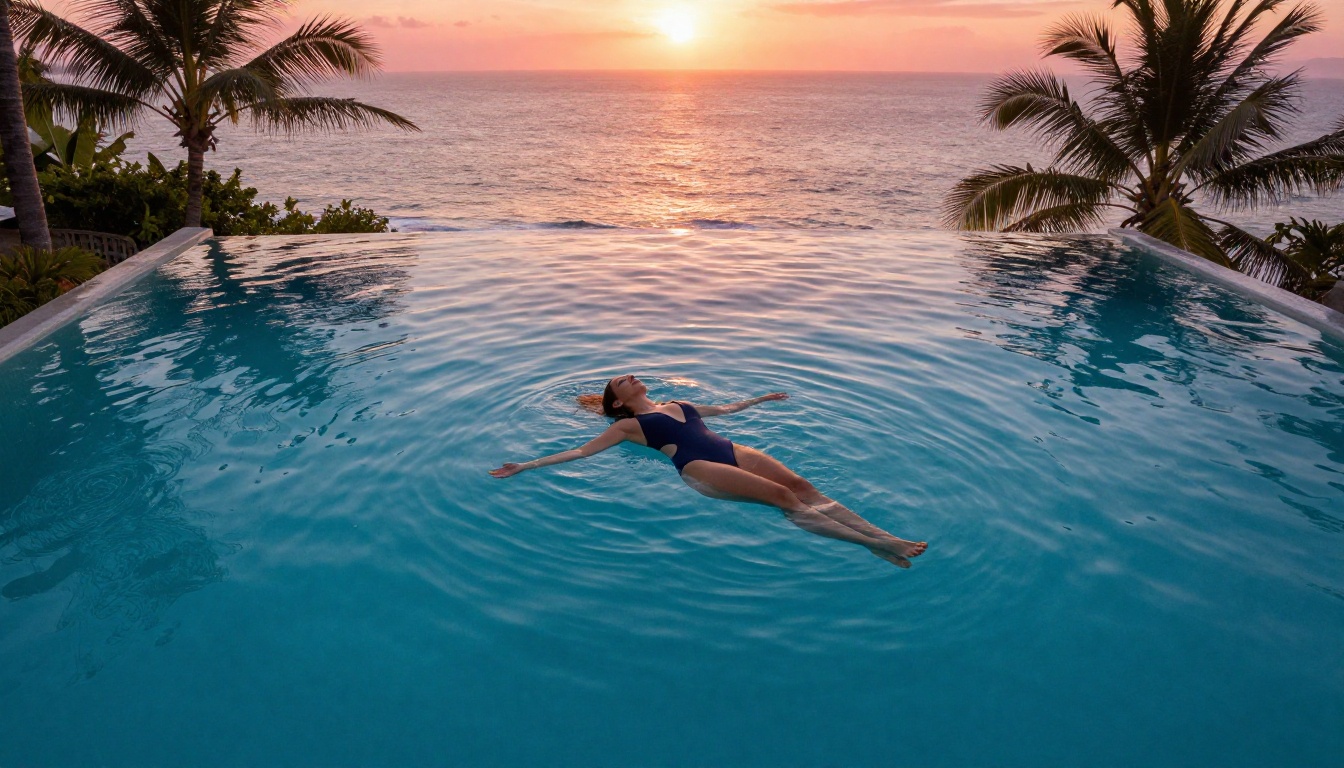
Outdoor scenes require careful attention to lighting consistency. Specify time of day explicitly. Golden hour consistently outperforms midday for beauty and sensuality in beach photography prompts. State clearly whether the subject is wet, dry, or in motion.
Artistic and Implied Intimacy
This category covers posed artistic photography where intimacy is suggested rather than shown directly. Think fine art photography: carefully placed fabric, strategic shadow, creative cropping, and high-contrast black-and-white treatments. Mentioning specific photography aesthetics (e.g., "Helmut Newton style," "Annie Leibovitz portrait lighting") gives the AI strong stylistic direction.
Character-Consistent Series
This is where Private Crush genuinely outperforms every standalone AI tool. Because the companion's face and body are locked to a specific model, you can generate dozens of images all featuring the same person in different settings, outfits, and moods. This creates a coherent visual story rather than disconnected random images, which is especially valuable for users who want a genuine companion experience.
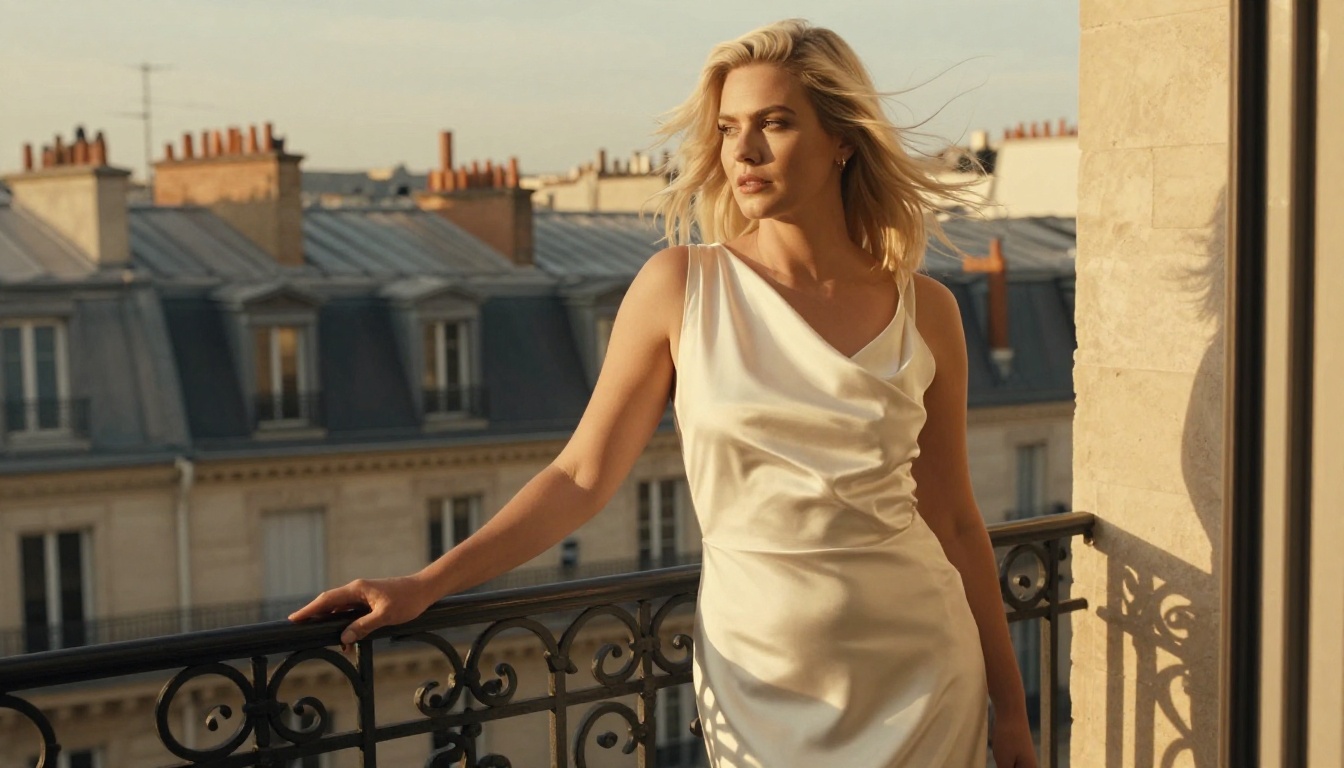
Image generation is one component of what a fully realized AI companion platform offers. Private Crush extends the experience across multiple interaction modes:
| Feature | Description | Plan |
|---|
| Unlimited NSFW Images | Generate as many images as you want with any companion | Premium |
| AI Video Generation | Convert still images into short animated clips | Premium |
| Voice Messages | Hear your companion speak with a realistic synthesized voice | Premium |
| Video Calls | Real-time AI video call sessions with your companion | Premium |
| Memory System | Companion recalls your past conversations and preferences | Premium |
| Uncensored Chat | No content filters applied to any conversation | All plans |
| Roleplay Scenarios | Structured fantasy and creative roleplay modes | All plans |
| Multiple Companions | Maintain relationships with several different characters | Premium |
The AI Girlfriend and AI Girlfriend Chat experiences extend what image generation alone can provide. When images connect to ongoing conversations with memory, the experience shifts from tool to genuine digital companionship.
Review available pricing plans to see which tier matches your usage. The free plan is a solid starting point, and upgrading to premium removes all generation limits.
Before generating NSFW AI content anywhere, understanding the privacy environment matters. Ask these questions of any platform you consider:
- Are generated images stored on their servers? For how long?
- Is your account data encrypted in transit and at rest?
- Do they share usage data with third parties?
- What content policies govern what can be generated?
Private Crush uses full data encryption and maintains strict privacy standards. The platform does not require personal information beyond email confirmation, and generated images stay within your private account environment.
⚠️ Always confirm: Any legitimate NSFW AI platform requires users to confirm they are 18 or older before accessing adult content. This is a non-negotiable industry standard and a legal compliance requirement.
Start Creating Now
You now have the full picture of how to generate NSFW AI images step by step: what platforms actually work, how to write prompts that produce real results, which settings to adjust and which to leave alone, and which mistakes to sidestep from the start.
The fastest way to apply all of this is to jump directly into a purpose-built platform. Browse 120+ AI companions on Private Crush, choose a character that interests you, and start generating images using the prompt strategies covered above. If you want unlimited generations and access to every premium feature, create your account and pick the plan that fits.
The gap between reading about NSFW AI image generation and actually producing high-quality results is about five minutes. Your first image is waiting.


