How to Make NSFW AI Content That Looks Professional
Most NSFW AI content looks cheap because of bad prompts, wrong platforms, and zero attention to lighting or composition. This article breaks down exactly what separates amateur AI-generated content from images that look like they were shot by a professional photographer, with practical prompt templates, platform comparisons, and step-by-step tutorials.
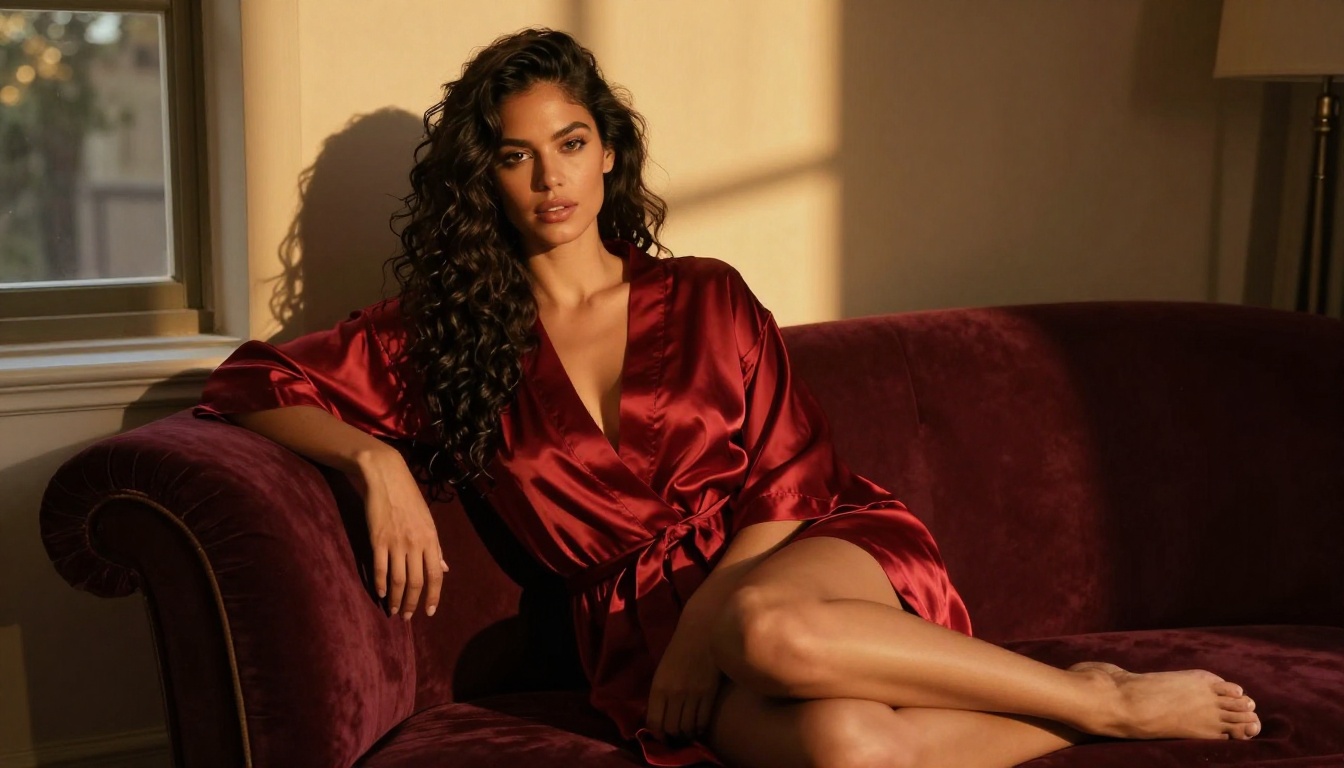
Most NSFW AI content fails for one simple reason: it looks fake. Blurry skin, plastic textures, weird lighting, and unnatural poses that scream "AI-generated" from a mile away. If you want content that actually looks like it came from a real photoshoot, you need to think like a photographer, not just a prompt-typer. Private Crush has cracked the formula for producing stunning, photorealistic NSFW images that could pass for professional photography, and this article shows you exactly how it is done.
What Separates Amateur from Professional Results
The gap between low-quality and high-quality AI content is not about the tool you use. It is about how you use it. Professional-looking NSFW AI content comes down to three pillars: prompt quality, platform capabilities, and post-generation curation.
Why Most AI Content Looks Generic
When people type "beautiful woman in lingerie" into an AI generator, they get exactly that: a generic, flat, over-smoothed image that looks like a stock photo from 2009. The AI does not know what professional photography looks like unless you tell it. You have to describe the lens, the lighting, the film stock, the texture of the skin, the direction of the light source, and the emotional mood of the image.
Professional photographers spend years learning these nuances. When you are prompting an AI, you need to include that knowledge inside the prompt itself.
The Three Pillars of Professional Output
Prompt architecture: How you structure your prompt determines 70% of the final result
Platform quality: Not every AI generator produces photorealistic results. Some are built for anime, others for illustrations
Selection discipline: Professionals do not use the first image they generate. They produce multiple variations and pick the best one
Choosing the Right Platform
The platform you choose has a massive impact on output quality. Not all AI image generators are created equal, and for NSFW content specifically, you need a platform that is both uncensored and built for photorealism.
What to Look for in a Platform
Before signing up for any service, check these criteria:
Photorealistic model support: Does it use models trained on real photography?
NSFW permissions: Can it generate tasteful adult content without constant rejections?
💡 If a platform censors your prompts or adds artificial softening to skin, it is not optimized for professional adult content. Look for platforms that respect your creative direction without interference.
Private Crush is purpose-built for this use case. It combines photorealistic AI models with uncensored generation and a character system that maintains consistency across hundreds of images, something generic tools simply cannot do.
Prompt Engineering for NSFW Content
This is where most people fall short. Your prompt is your photography brief. It needs to describe everything a real photographer would think about before pressing the shutter.
Building Your Prompt Layer by Layer
Think of a prompt in five layers:
Layer 1: Subject
Who is in the image? Include age range (adult), physical description, what they are wearing, and their pose or action.
Layer 2: Environment
Where are they? Describe the room, setting, props, and background elements in specific detail.
Layer 3: Lighting
This is the single most important factor in professional photography. You must specify:
Direction (left, right, above, behind)
Quality (soft, diffused, harsh, directional)
Color temperature (warm golden, cool blue, neutral white)
Source (window light, ring light, natural daylight, studio softbox)
Layer 4: Camera and Lens
Real photography is defined by gear choices. Specify:
Camera body (Sony A7R IV, Canon 5D Mark IV, Fujifilm GFX)
Lens focal length (85mm for portraits, 35mm for environmental, 100mm for close-ups)
Aperture (f/1.4 for shallow depth of field, f/8 for sharp backgrounds throughout)
Film stock reference (Kodak Portra 400 is the gold standard for skin tones)
Layer 5: Quality Modifiers
End every prompt with: RAW photography, 8K resolution, photorealistic, Kodak Portra 400, natural film grain, --ar 16:9 --style raw
Prompt Template for Professional NSFW Content
Here is a working template you can adapt immediately:
[Subject: age range, physical details, outfit/styling, expression]
[Pose and body language]
[Environment: room type, furniture, props, surface textures]
[Lighting: direction, quality, color temperature, light source]
[Camera: body make, lens focal length mm, aperture f-stop, ISO]
[Film reference: Kodak Portra 400, natural grain, shallow depth of field]
RAW photography, 8K resolution, photorealistic, cinematic color grading --ar 16:9 --style raw
Lighting Styles That Change Everything
Lighting Style
Effect
Best For
How to Describe It
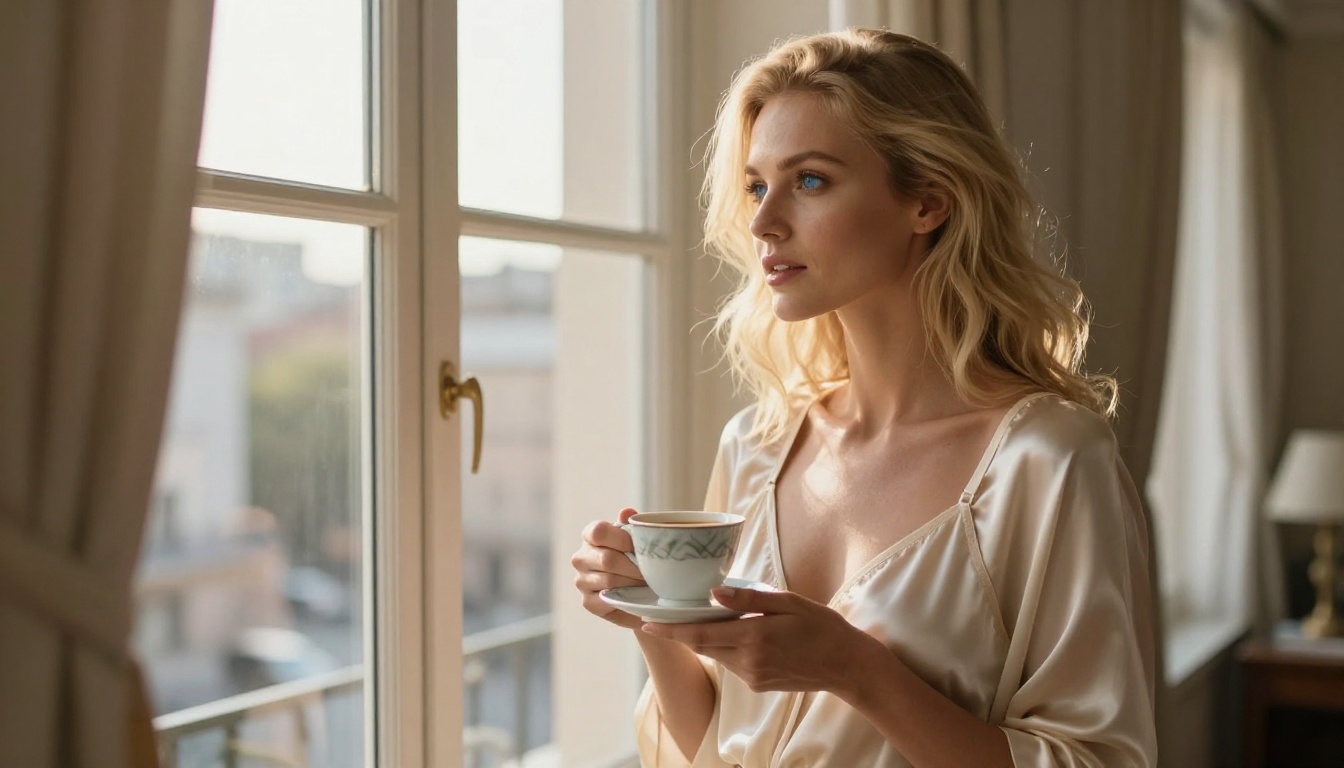
Window light (morning)
Warm, soft, intimate
Portrait and glamour shots
"Volumetric morning light from the left window, warm golden tones, soft diffused fill from right"
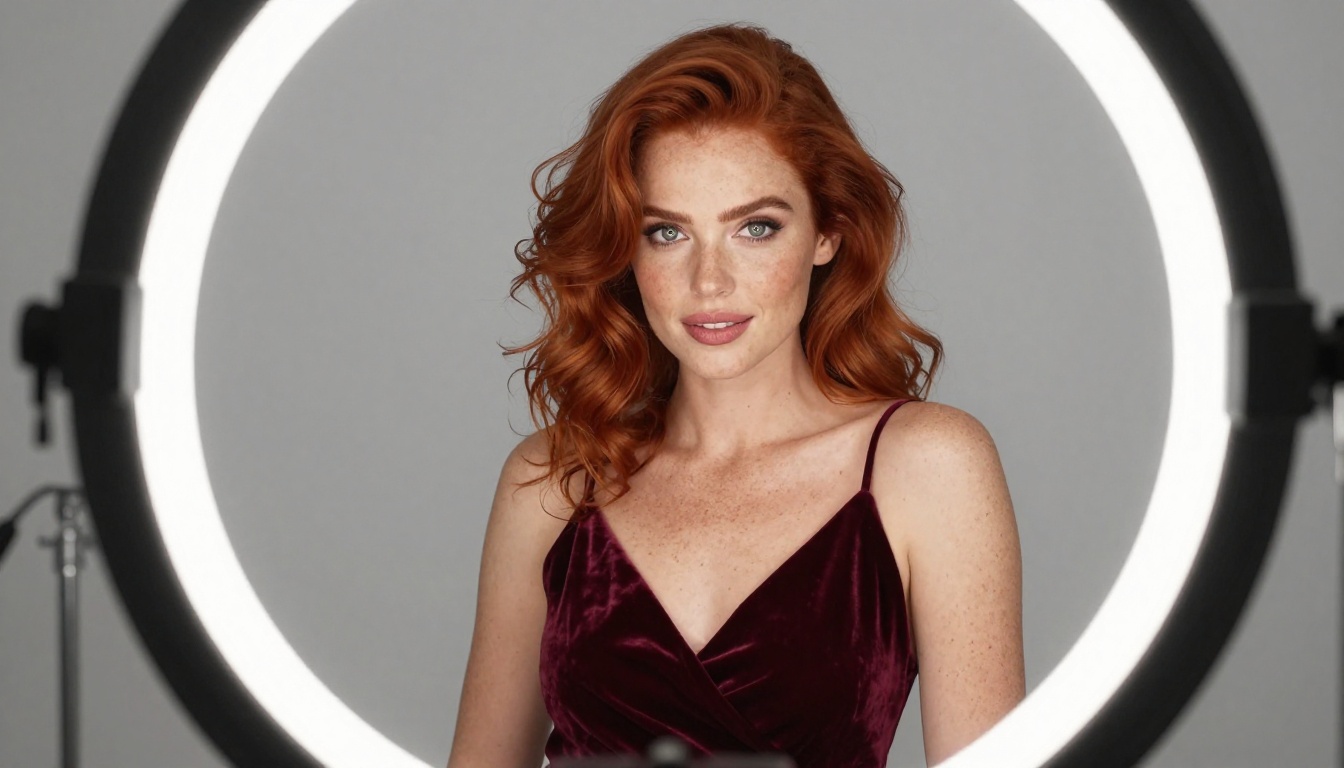
Ring light
Even, catchlights in eyes
Close-ups, beauty shots
"Professional ring light creating circular catchlights in eyes, even flat fill"
Backlight / rim light
Silhouette edge, dramatic
Full body artistic shots
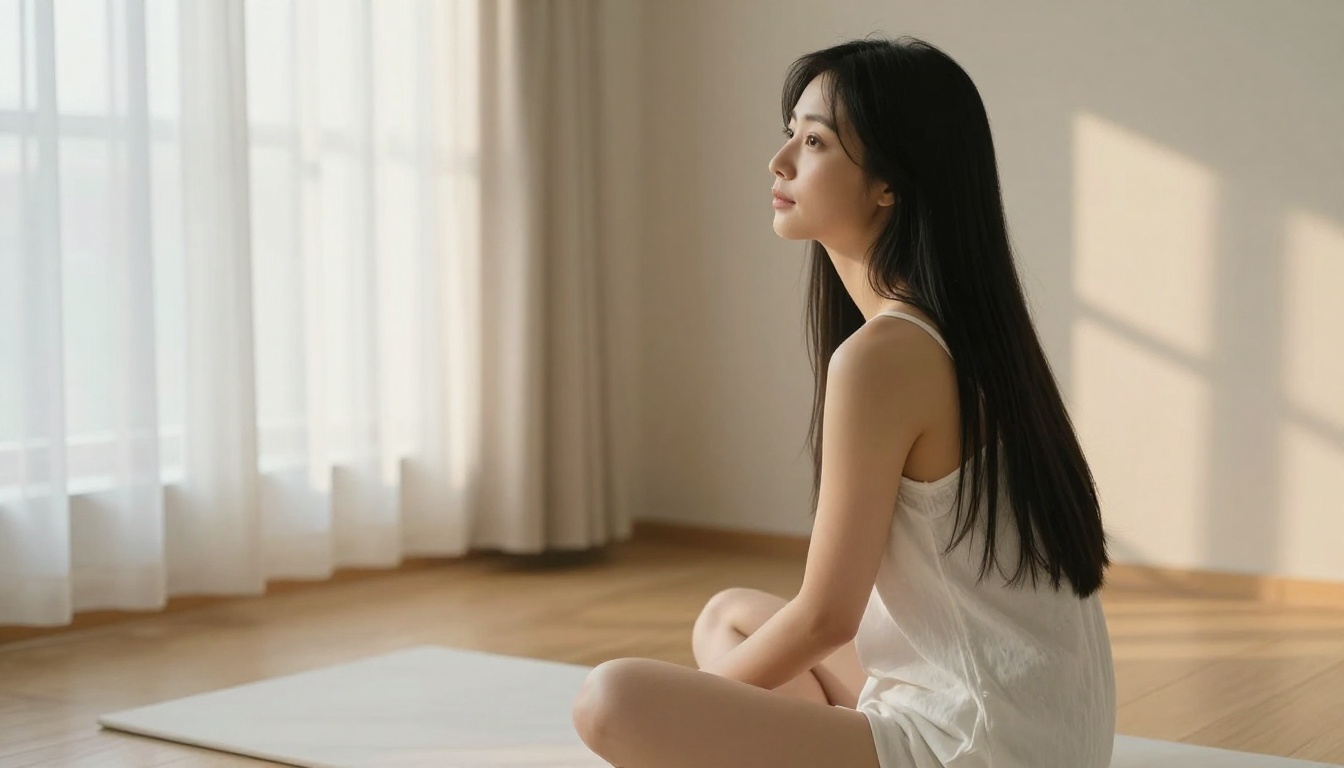
"Strong backlight from window creating warm rim light outlining the figure"
Overhead diffused
Clean, minimal shadows
Flat lay and aerial shots
"Soft diffused skylight from directly above, even warm illumination"
Golden hour
Warm, cinematic, romantic
Near-window or terrace shots
"Golden hour warm amber light from the right, long dramatic shadows across the room"
⚠️ Never skip the lighting description. An undescribed lighting setup defaults to flat, even AI-generated light that kills any sense of photographic realism.
Common Prompt Mistakes to Avoid
Too short: "Woman in bikini" produces generic output. Minimum 50 words, ideally 60 to 75
No lighting: Forgetting lighting direction makes images look flat and lifeless
No lens specification: Without a focal length, AI defaults to distorted wide-angle perspectives
Conflicting styles: Do not mix "photorealistic" with "digital art" or "3D render" in the same prompt
Generic locations: "Beach" is too vague. "Private villa terrace with infinity pool at golden hour, warm light reflecting off the water" is specific and produces real results
How to Create Professional Content with Private Crush
Private Crush removes the technical barriers entirely. You do not need to manually configure AI models or worry about content filters blocking your creative direction. The platform is designed specifically for high-quality adult content creation with a built-in character system that maintains visual consistency across every image you generate.
Step 1: Create Your Account
Go to Private Crush and create a free account. Signup takes under a minute and gives you immediate access to the platform's image generation tools and character gallery.
Step 2: Browse the Character Gallery
Head to the AI characters gallery and browse over 120 distinct companions. Each character has a unique personality, appearance, and style. This is the most critical step because character consistency is what makes a content series look professional rather than random.
Popular characters to explore:
Aria Chen: Elegant, sophisticated style with natural Asian features
Valentina Ramirez: Warm Latina aesthetic with an expressive personality
Sakura Nakamura: Anime-influenced with realistic rendering options
Giulia Rossi: European elegance with sophisticated poses
Hana Kim: Soft, romantic aesthetic with delicate features
Step 3: Select Your Content Style
Private Crush supports multiple visual styles within the same character. Options include:
Realistic: Photographic quality, indistinguishable from real photography
Anime: Stylized illustrations with full character consistency
Cosplay: Fantasy and costume-based scenarios
Glamour: High-fashion editorial aesthetic
For professional-looking NSFW content, the Realistic mode activates the photorealistic rendering pipeline that outputs at the highest fidelity. Pair it with the prompt structure above for best results.
Step 4: Use the NSFW Image Generator
Navigate to the NSFW Image Generator within your character's profile. Apply your prompt architecture from above. Because Private Crush's models are already trained on photorealistic adult content, even medium-length prompts produce better results than generic tools with very long prompts.
The platform also supports uncensored AI images, meaning your creative direction is never blocked by content filters. You get what you describe, every time.
Step 5: Generate Multiple Variations and Curate
Generate at least 5 variations per prompt. Professional content creators never use the first result. Evaluate each image against these criteria:
Natural skin texture (visible pores, no plastic smoothing or airbrushed look)
Correct lighting direction (shadows must match your described light source)
Natural expressions (avoid the blank AI stare or forced smile)
Accurate anatomy (check hands, fingers, and overall body proportions)
Correct fabric behavior (cloth should drape and fold realistically)
✅ Save your best prompts in a dedicated document. When you find a prompt that produces excellent results, iterate on it rather than starting from scratch each time.
Reading Results Like a Professional
Knowing when an image is worth keeping versus worth regenerating is a real skill. Here is what to evaluate in every generated image.
The Professional Quality Checklist
Skin quality
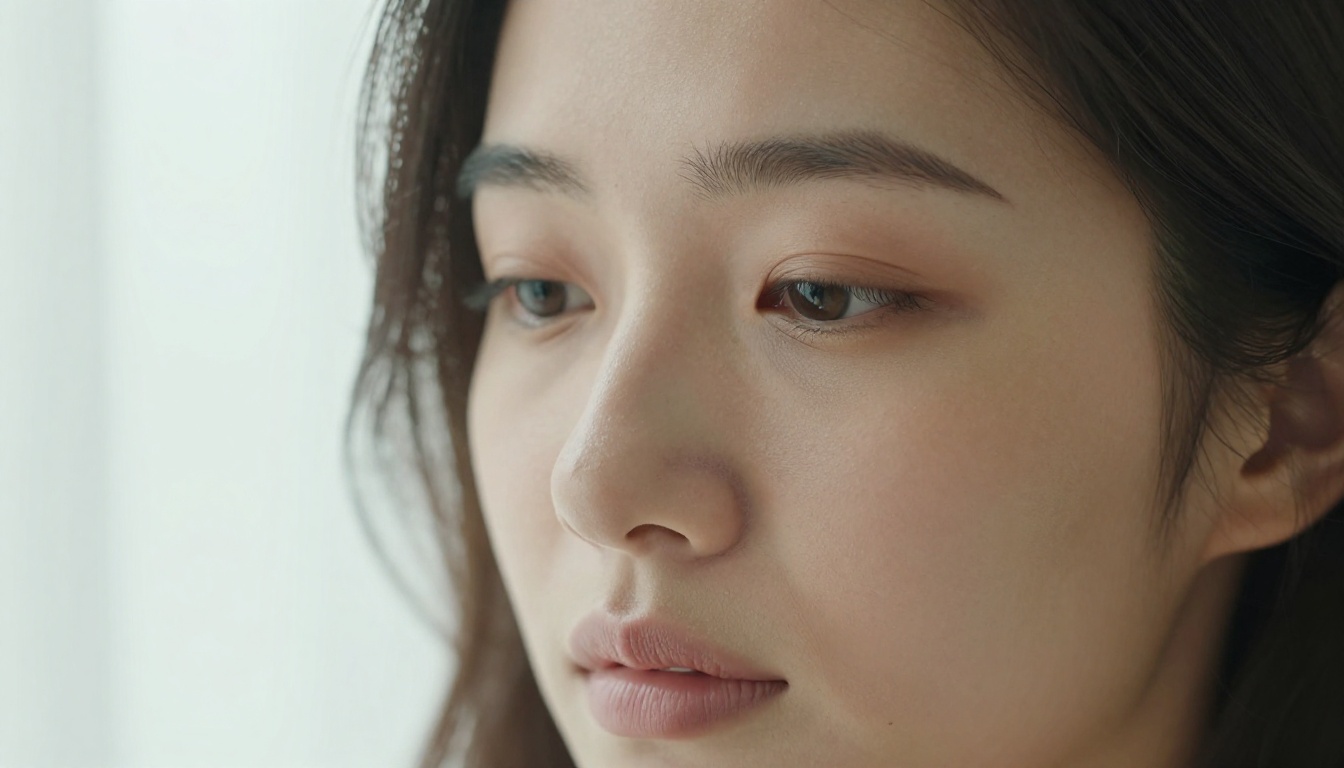
Are pores visible? Real photography shows natural skin texture, not poreless perfection
Is the skin smooth but not plastic-looking or over-smoothed?
Does the skin color look natural given the described lighting conditions?
Lighting coherence
Does the shadow direction match your described light source?
Are there natural highlights on cheekbones, shoulders, and collarbones?
Is there visible separation between the subject and background?
Composition
Does the image follow rule of thirds or another intentional compositional logic?
Is the crop natural or does it cut off awkwardly at limbs?
Is the focal point immediately clear?
Fabric and environment
Does clothing drape and fold realistically with gravity?
Do surfaces (silk, velvet, marble, linen) show visible material texture?
Does the background match the described environment?
Style Variety and Character Diversity
Professional content does not repeat the same angle, lighting, and setting. Variety is what makes a content library look curated rather than mass-produced.
Rotate through different scenarios, lighting setups, and settings rather than generating fifty images in the same room with the same lighting. That rotation is what separates a random collection from a professional content library people actually want to browse.
Representation and Diversity in Content
Professional adult content in 2027 is diverse. A content library featuring only one aesthetic or ethnicity limits your reach and looks narrow. The character gallery at Private Crush reflects real global diversity:
Mixed and multicultural: Mia Rodriguez and others that bridge multiple visual aesthetics
Each character has a distinct backstory, personality, and visual identity. This depth is what makes the images feel like they come from a real person with a real story, not from a random generation button.
Private Crush Platform Features at a Glance
Beyond image generation, Private Crush is a full AI companion platform with features that expand your creative possibilities significantly:
Real-time video interaction with your AI companion
Premium
Check the pricing plans to see which tier fits your workflow. The free plan gives access to the gallery and basic generation, while premium unlocks unlimited generation, video features, and fully custom characters.
Start Creating Professional Content Now
You now have everything you need: the prompt framework, the platform, the lighting knowledge, and the curation discipline. The difference between content that looks like it was generated randomly and content that looks like it came from a professional photoshoot is 100% about intentionality and specificity.
Browse 120+ AI characters on Private Crush and pick your first companion. Apply the prompt layers you have learned here. Generate multiple variations, curate with discipline, and build a content library that looks like it took a real photographer to produce.
Create your account and start generating your first professional-quality images today.